

Index external data
Indexing turns content from an external system — a repository, a wiki, a set of issues, or uploaded files — into a searchable store that agents, pipelines, and chat can query with natural language, instead of you browsing the source system by hand.
What indexing needs
Section titled “What indexing needs”Before you can index anything, two things must be in place:
- A credential for the target system, attached to the toolkit (not required for the built-in Artifact type, which indexes files you’ve already uploaded).
- An embedding model configuration, selected at the project level (Settings › AI Providers).
There is no vector-store configuration to create. Indexes are kept in the platform’s own vector store (Qdrant, behind the elitea-vector service), which your administrator turns on for the whole deployment. Each index is kept apart per project.
Which toolkit types support indexing
Section titled “Which toolkit types support indexing”18 toolkit types carry an indexing tool: ADO Boards, ADO Plans, ADO Repos, ADO Wiki, Artifact, Bitbucket, Confluence, Figma, GitHub, GitLab, Jira, QTest, SharePoint, TestRail, XRAY cloud, Zephyr Enterprise, Zephyr Essential, and Zephyr Scale. Any other toolkit type has no Indexes tab at all.
Whether an index-capable type actually appears as a tile in Create toolkit also depends on which worker your deployment runs — see Use credentials in a toolkit and the toolkit catalogue reference for the worker split.
The indexing tools
Section titled “The indexing tools”Six tools, available on the toolkit types listed above, do the actual work:
- Index Data — creates or updates an index for a chosen scope (a repo, a space, a project, and so on).
- Search Index — runs a semantic search query against a completed index.
- Stepback Search Index — rewrites a complex query before searching, for better recall on multi-part questions.
- Stepback Summary Index — runs a stepback search and returns a generated summary of the results.
- Remove Index — deletes an index.
- List Indexes — lists the indexes a toolkit already has (the Indexes tab shows this list itself, so you rarely need to run this as a tool).
For the full setup walkthrough, see Use the Indexes tab. For running search tools from chat or an agent, see Index and search data with tools.
Where indexing happens
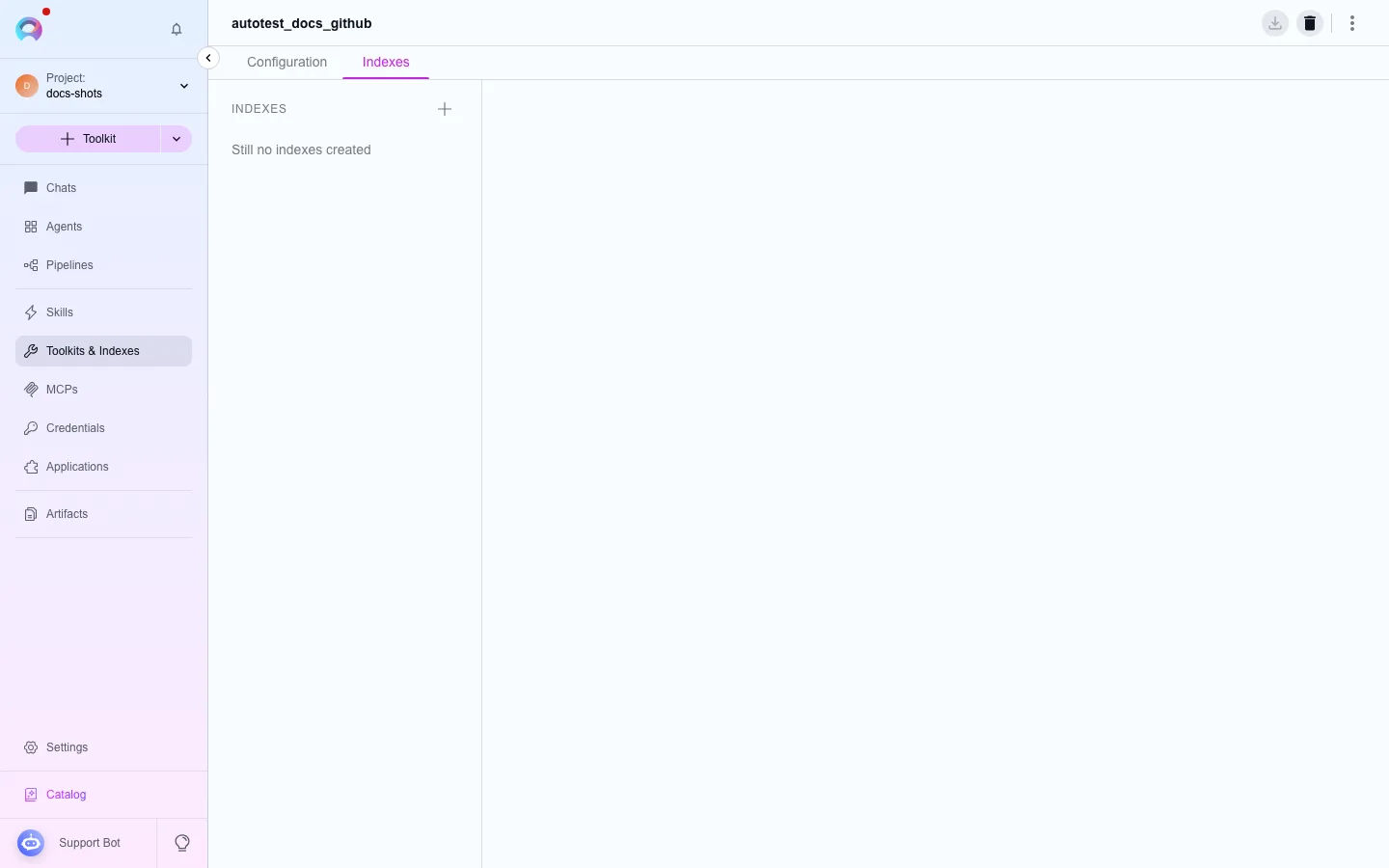
Section titled “Where indexing happens”- Open a toolkit that supports indexing (for example a GitHub toolkit) and go to its Indexes tab.
- If no indexes exist yet, use the create-index entry point to configure the scope and start a run.
- Watch the run’s status until it reaches Completed or Partially Indexed.
- Search, re-index, schedule, or delete the index from the same tab.
Trigger indexing from chat
Section titled “Trigger indexing from chat”You can also run search tools against an existing index directly from a conversation, by adding the toolkit as a chat participant and enabling its search tools. This is useful for one-off questions without opening the toolkit’s configuration page — see Use chat.
Next steps
Section titled “Next steps”- Use the Indexes tab to create your first index.
- Index data from a source for source-specific setup fields.
- Schedule re-indexing to keep an index current automatically.