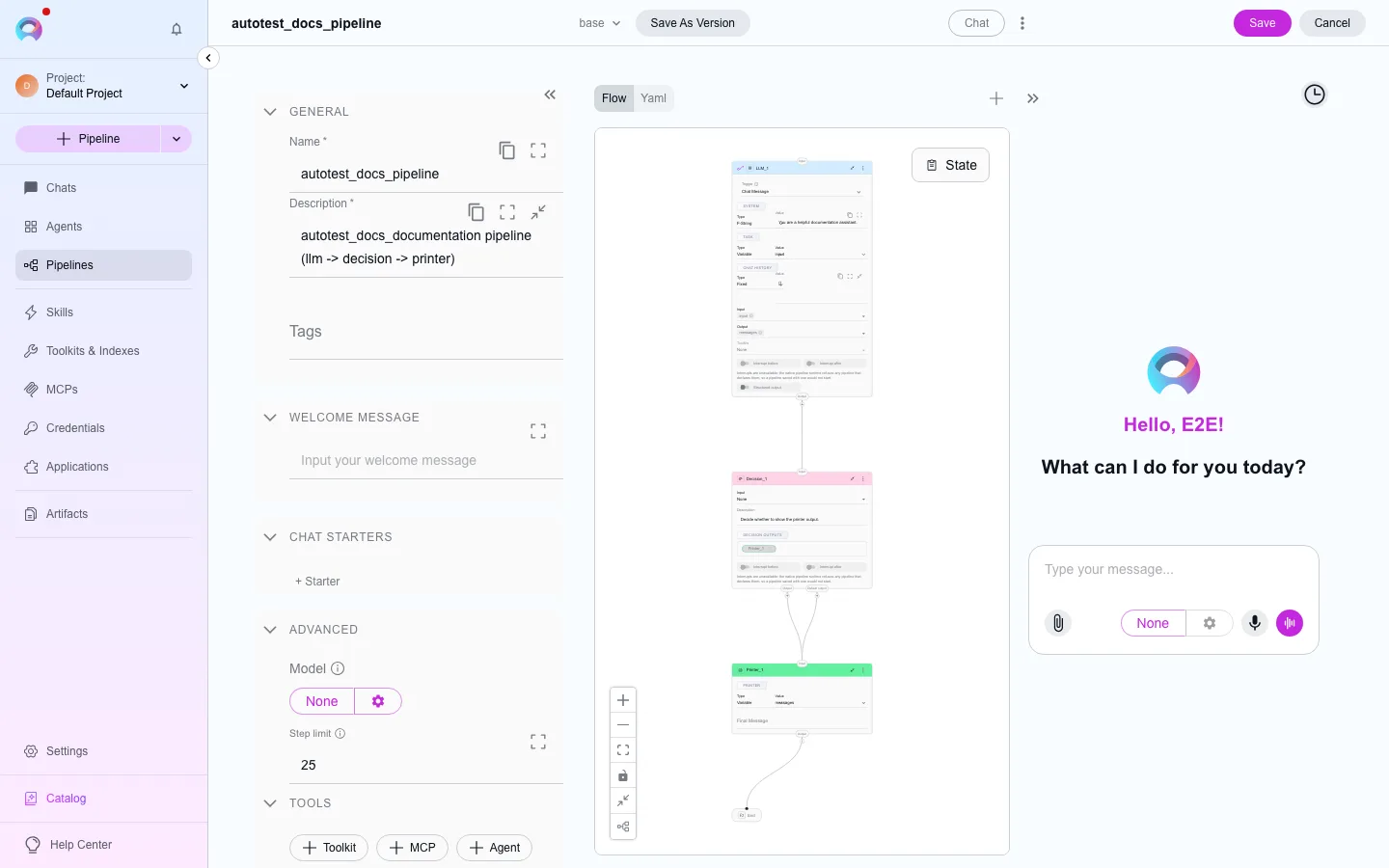
Pipeline node types
The flow editor lets you drop more node types onto the canvas than the runtime actually executes. Nine types are admitted by the compiler; the rest render for reference but do nothing when the pipeline runs.
The nine runtime-admitted types
Section titled “The nine runtime-admitted types”| Category | Node types | See |
|---|---|---|
| Interaction | Human-in-the-loop (HITL), Printer | Interaction nodes |
| Execution | LLM, Agent, Toolkit, MCP | Execution nodes |
| Control flow | Decision, Router, State modifier | Control flow nodes |
Deprecated node types
Section titled “Deprecated node types”The Add-node menu only ever offers the nine types above — these older types can’t be added to a new pipeline. If a pipeline built before this platform still has one, it renders read-only on the canvas, but the compiler has no execution arm for it, so it doesn’t run:
Tool, Function, Pipeline, Condition, Loop, Loop from tool.
A couple of other node-shaped entries are sentinels rather than real node types: END marks where a path terminates (see Pipeline structure), and ghost/the default type are placeholders the editor uses internally.
Two types that render but never run
Section titled “Two types that render but never run”code and custom nodes can be added to a pipeline and configured in the flow editor, but the compiler has no execution arm for either one — they’re accepted by the editor for future use, not by the runtime today. Don’t build a pipeline that depends on one of these actually running; use an equivalent from the nine admitted types instead (a Toolkit node for custom logic that calls out to a service, for example).