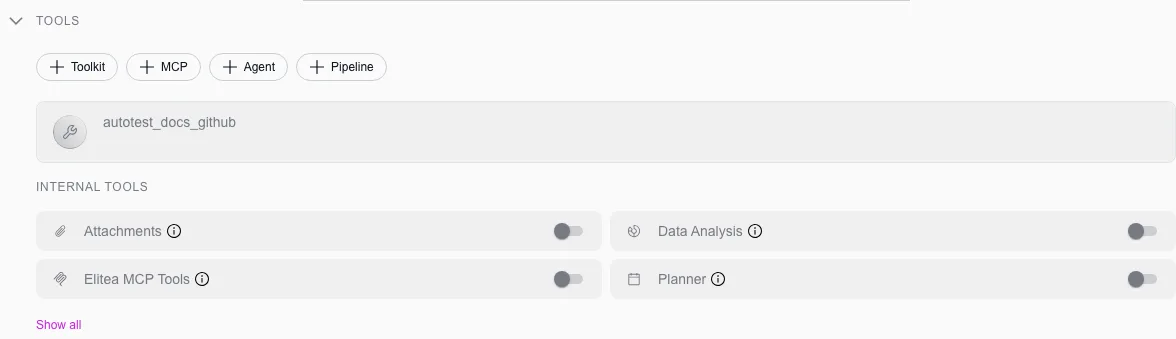
Elitea MCP Tools (internal tool)
Elitea MCP Tools connects an agent to Elitea’s own MCP server from inside a conversation, so it can discover and call other agents and toolkit tools that have been explicitly exposed, without you pre-wiring every dependency.
What becomes callable
Section titled “What becomes callable”- Other agents, if they carry the
mcptag. Each one becomes a callable that takes a single task description and returns that agent’s final response. Agents without the tag are never listed, published or not. - Toolkit tools, for any toolkit with its MCP option turned on. Each enabled tool becomes an individual callable with the toolkit’s native input and output shape.
Enable it
Section titled “Enable it”Turn on the module
In a conversation, click + in the composer, open Modules, and toggle Elitea MCP Tools on. To make it the default for every new conversation with a given agent, open that agent’s configuration, find the module in its tools list, and save.
Tag the agents you want callable
Add the
mcptag to any agent you want this module to be able to call.Expose the toolkit tools you want callable
On a toolkit, turn on its MCP option and select which of its tools are exposed.