

Organize agents, pipelines and toolkits
As a project accumulates agents, pipelines, toolkits, credentials, and MCP connections, four features keep the catalogue navigable: search, tags, pins, and folders.
Search
Section titled “Search”The Agents, Pipelines, Toolkits, Credentials, and MCPs pages each have a search box that matches on name and description, and lets you filter by tag. Type into the box to see matching results grouped by tag and by entity type; select a result to open it directly.
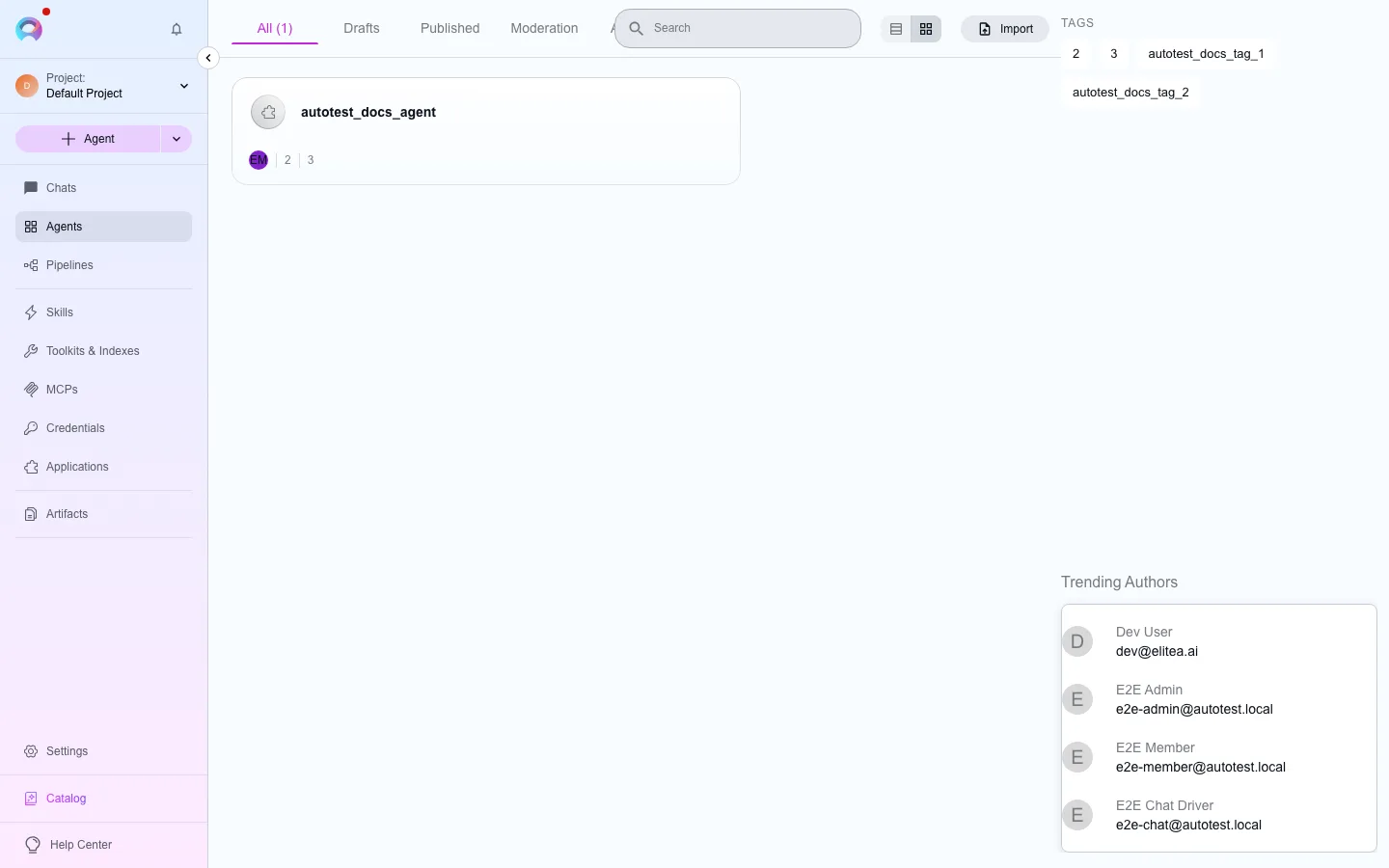
Tags are free-form labels you attach to an entity to group it by topic, team, or project. Add one from the entity’s configuration:
- Open the entity’s configuration.
- Find the Tags field and start typing.
- Select a suggested tag or press Enter to create a new one.
- Save the entity.
Tags are shared within a project — anyone with search access can filter by them, which is what makes them useful for grouping work across a team.
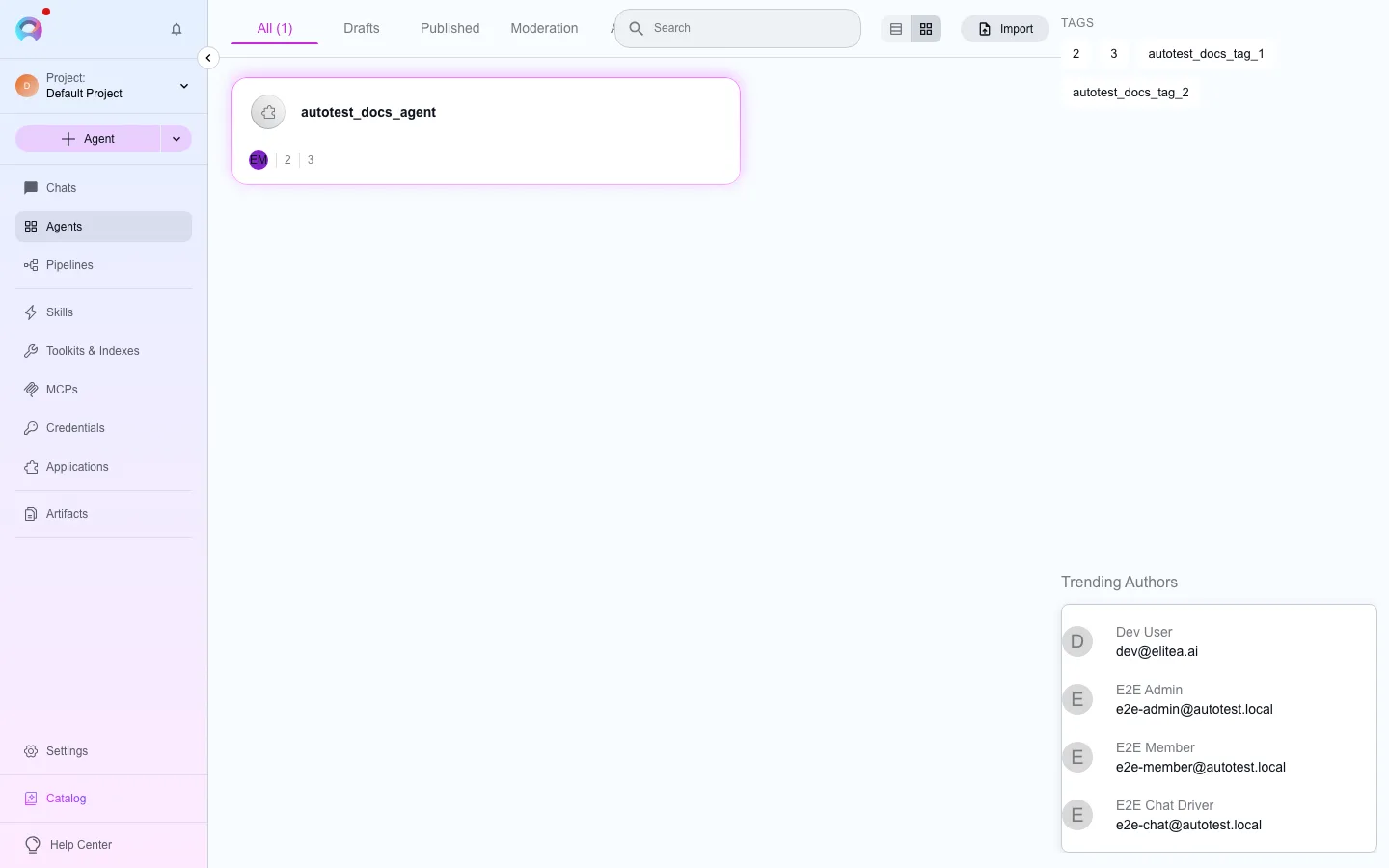
Pinning keeps an entity at the top of its list, across sessions, so you don’t have to scroll or search for something you use constantly. Pin and unpin with a single click from an entity’s list row; pinning works for agents, pipelines, toolkits, credentials, and MCPs.
Folders
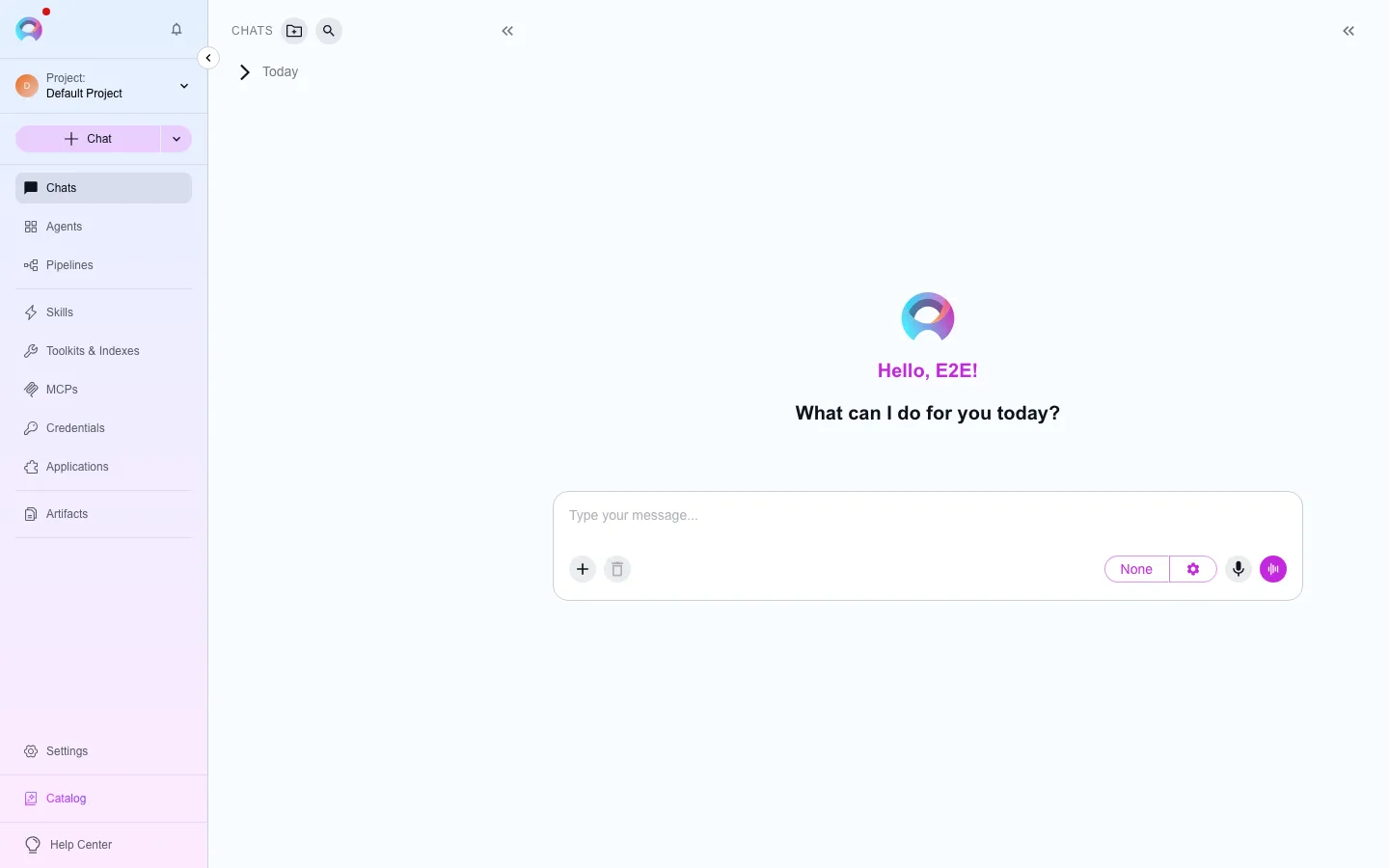
Section titled “Folders”Folders group conversations in the chat sidebar — this is new in this platform (the legacy site had no equivalent). Create a folder from the conversation list, then drag conversations into it, or move a conversation into a folder from its context menu.
Next steps
Section titled “Next steps”- Use chat for where folders live day to day.
- Use public items from chat for finding entities other people have published.