

Admin console overview
The admin console is a separate application at /admin/app, distinct from the main Elitea app. It is where an administrator manages the deployment as a whole: users, projects, authentication, the LLM proxy, budgets, branding, and platform-wide configuration.
Open the admin console
Section titled “Open the admin console”Sign in to Elitea, open the account menu at the bottom of the sidebar, and select Admin portal. The item is there only when your account holds an administration permission. You can also go to /admin/app directly. The console renders only if your account holds at least one administration-mode permission — otherwise you see an access-denied screen instead of an empty shell. Every individual page still enforces its own permission on the server on every request; the console’s own check only decides whether it is worth rendering the navigation at all.
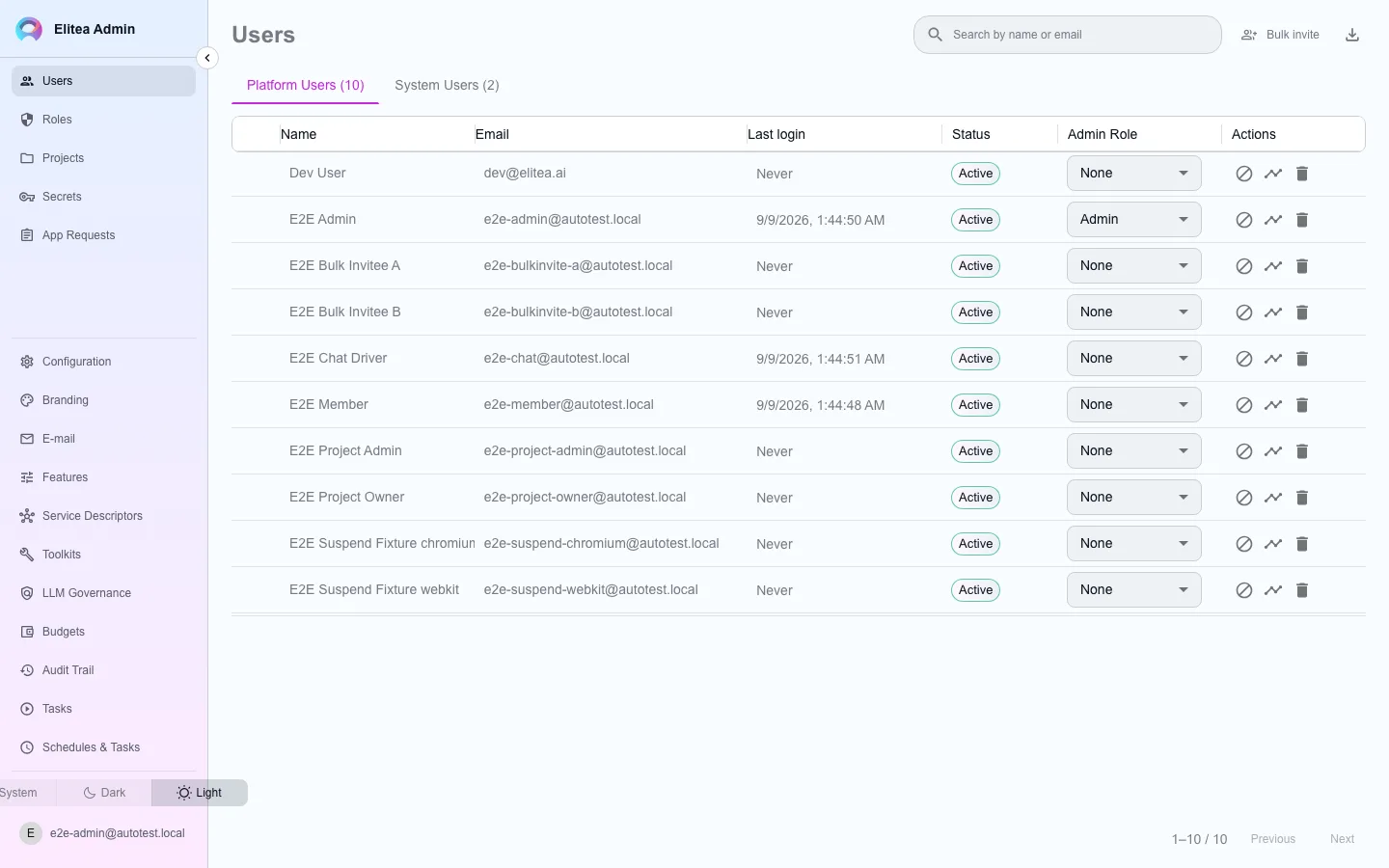
Navigation groups
Section titled “Navigation groups”The sidebar has two groups. In a short window the links scroll, and your account stays at the bottom.
Account menu
Section titled “Account menu”Select your name at the bottom of the sidebar, or your picture when the sidebar is collapsed, to open the same account menu as in the Elitea app. It has Back to Elitea, which returns you to the app, the version line (the console’s version and the server’s; select it to copy it) and Sign out.
The console has no theme switch of its own. It uses the theme that you choose in the Elitea app, under Settings › Personalization or Appearance in the account menu, so the console and the app always look the same.
Users
Roles
Projects
Secrets
App Requests
Configuration
Branding
Features
Service Descriptors
Toolkits
LLM Governance
Budgets
Audit Trail
Schedules & Tasks
What each page can and cannot decide
Section titled “What each page can and cannot decide”window-injected permission flags in the console are presentation only: they decide what the sidebar shows, never what a request is allowed to do. Every read and write is re-authorized on the server against the actual permission that route requires. A typed URL to a page your account cannot use still reaches it — and still gets refused there.