Schedules and tasks
Two admin pages cover recurring and running work: Schedules & Tasks for the platform’s recurring routines, and Tasks for a live view of background jobs.
Manage schedules
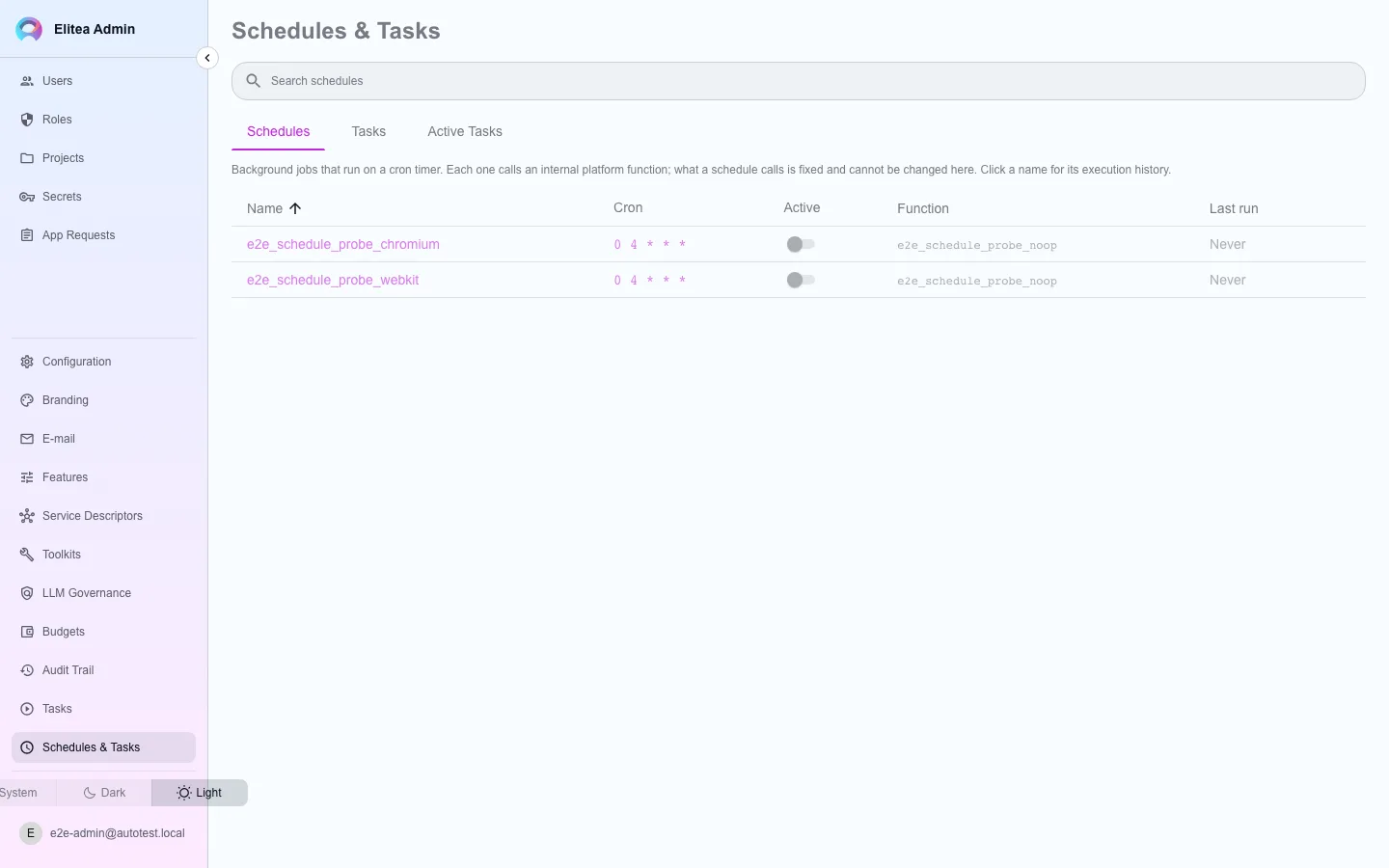
Section titled “Manage schedules”Open Schedules & Tasks. It lists every recurring routine the platform runs: the scheduled jobs of the main service (index schedule scan, pipeline schedule scan, artifact retention, token expiry notices) and the workers of the scheduler service (price sync and the retention sweeps). Each row shows the schedule in force, whether the routine is on, when it last ran and its outcome, and when it runs next.
Switch a routine off or on
The switch stops a routine from running without deleting anything. A routine that is switched back on waits for its next scheduled time; it does not replay the runs it missed.
Change its schedule
Click the schedule and enter an interval such as
30mor6h, or five cron fields. Each routine has a shortest allowed gap, and a faster schedule is refused with the reason. Leave the field empty to go back to the default that the deployment sets.Check the result
Changes apply within about a minute, without restarting anything. Every change is recorded in the audit trail with who made it.
See what is running
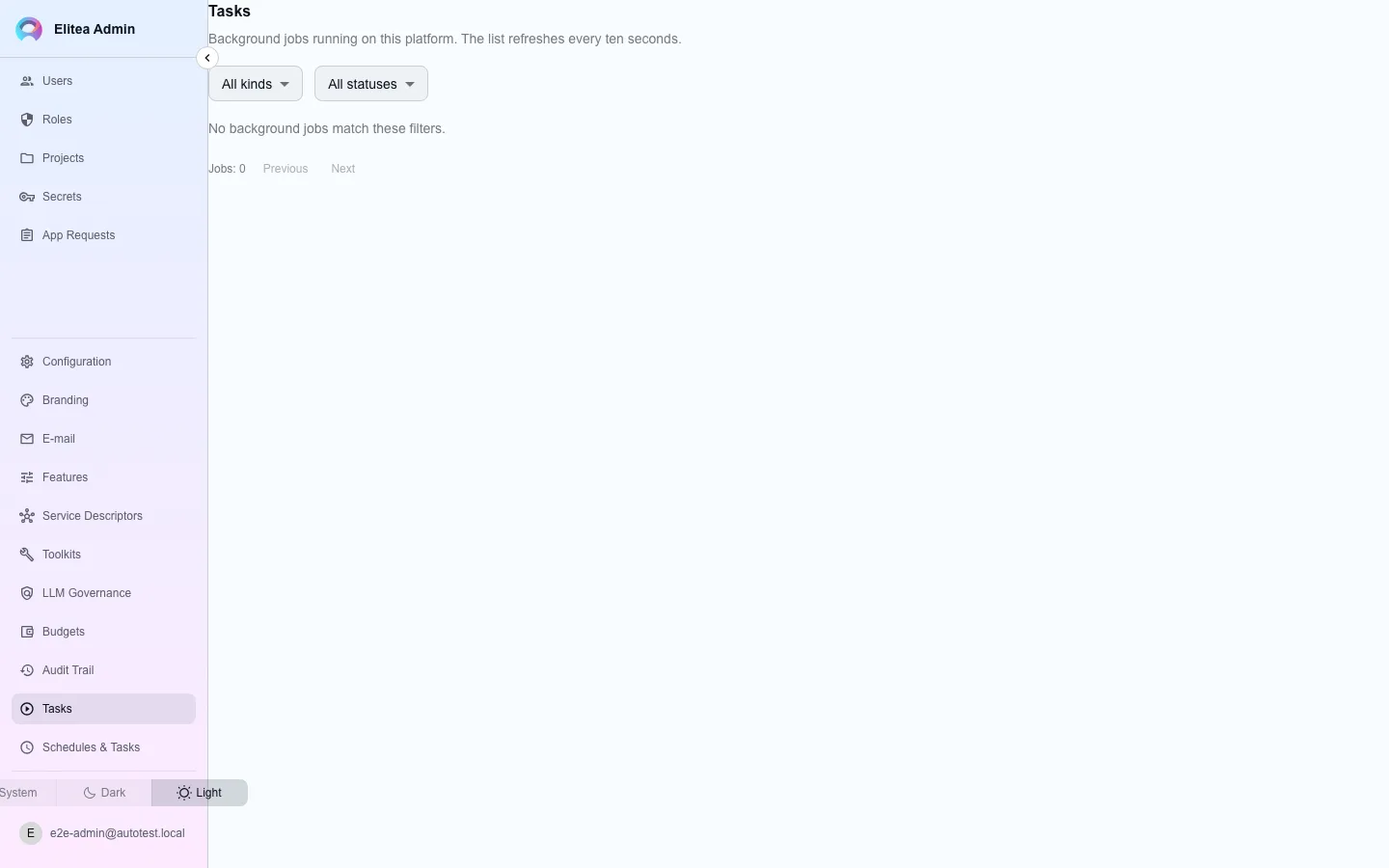
Section titled “See what is running”Open the separate Tasks page for a live view of background work this platform actually tracks: index runs, agent turns, toolkit tool calls, scheduled occurrences, and evaluation runs.
Filter by kind
Narrow the list to one kind of task.
Cancel a task
The cancel control only appears on rows the server reports as cancellable — a task past that point does not offer it, rather than offering a control that would mostly answer with a conflict.