

Budgets and LLM governance
Budgets and LLM Governance are two separate admin pages that both shape how the LLM gateway treats a request.
Set spend limits
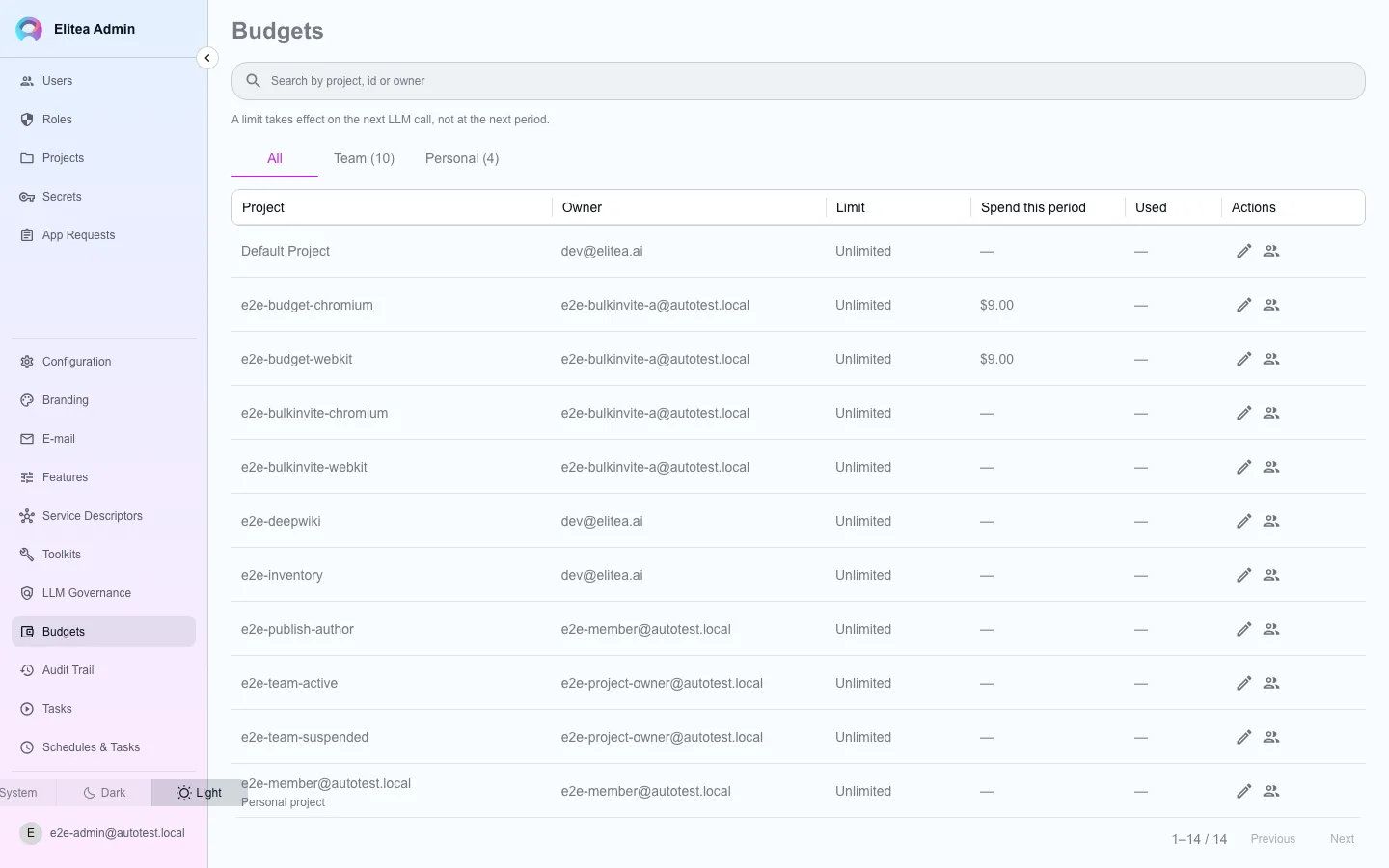
Section titled “Set spend limits”Open Budgets. Each row is a project or a project member with a spend ceiling.
Find the project
Search, then open its budget dialog.
Set the ceiling
Choose a monthly limit, or mark it unlimited. The gateway bills on the calendar month; no other period is enforced.
Set the failure policy
Choose whether the gateway fails open (allows calls through) or fails closed (refuses calls) if it cannot reach its budget counter, or inherit the platform default.
Manage per-member limits
Open the members drawer to set a spend ceiling for an individual project member, on top of the project ceiling.
Author LLM governance rules
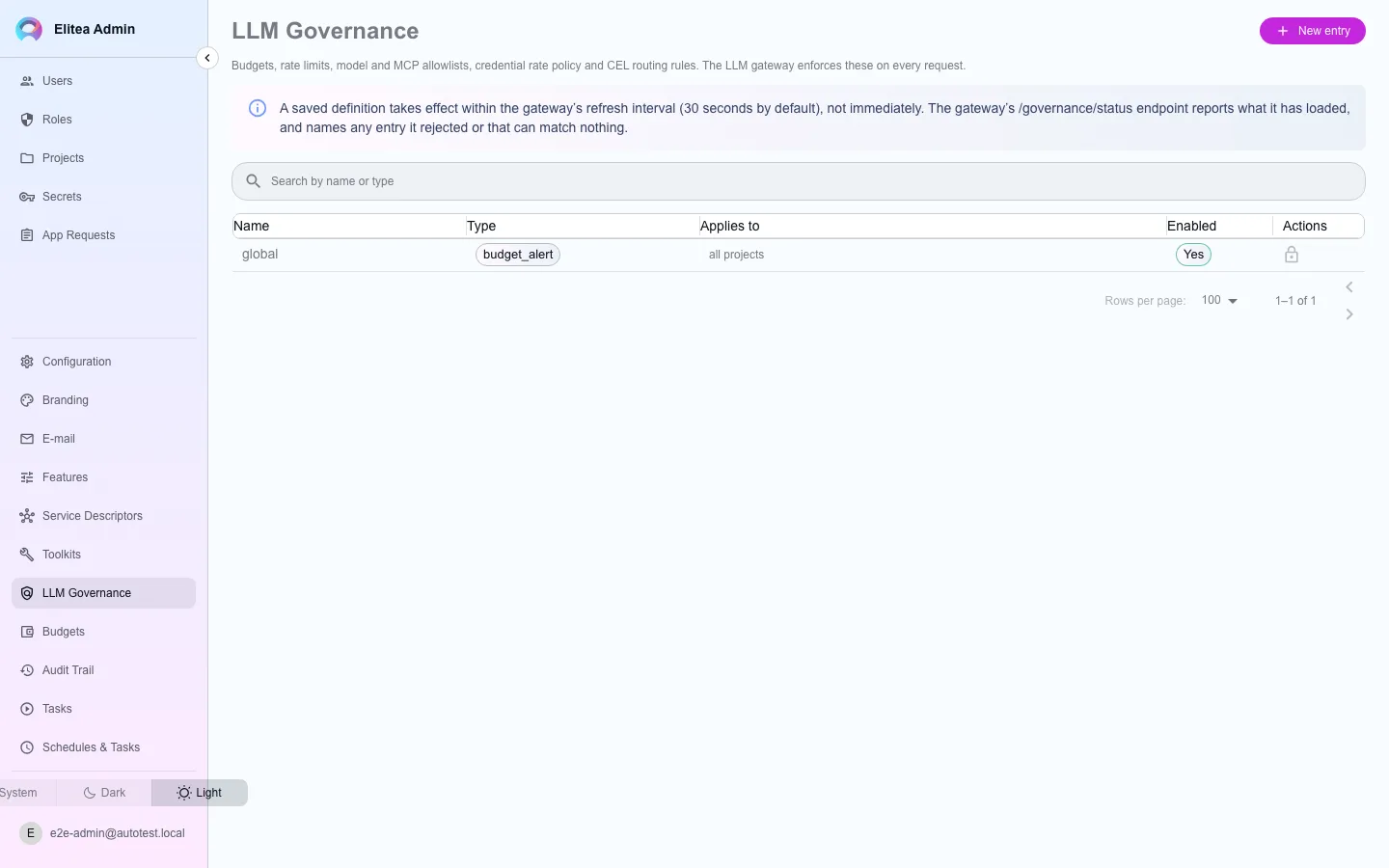
Section titled “Author LLM governance rules”Open LLM Governance. Each row is a scoped rule the gateway reads and enforces on the /llm path: budgets, rate limits, model and MCP server allowlists, credential rate policy, and CEL-based routing rules.
Create an entry
Choose the scope it applies to (provider, model, or project) and the rule fields for that scope.
Save
A saved definition does not take effect immediately — the gateway polls this table on a refresh interval (30 seconds by default) rather than reloading on every write, so a replica that missed an event still converges.
Egress allowlist
Section titled “Egress allowlist”An Egress allowlist entry adds provider hosts that a credential’s api_base (or a cloud provider’s regional endpoint) may name. Put the hosts in Permitted destinations: a host, host:port, *.domain, or a CIDR block. This is the first place to add a host when Test connection answers The LLM gateway refused the host <host> because it is not on the egress allowlist.
- The entry applies to every project.
- The gateway enforces the union of these entries and
GATEWAY_EGRESS_ALLOWLIST, the floor that the chart sets. An entry can only add a host. It cannot remove a host that the floor names. - The first entry in either list turns the restriction on for every credential.
- A private address is reachable only when an entry names that address or its block. A host name alone does not open it.
See When the egress allowlist refuses a provider.
Throttles per agent and per user
Section titled “Throttles per agent and per user”A Rate limit entry has two more scope fields. Use them to limit one agent or one user, in addition to the project rate limit (ADR-0041 decision 4).
| Field | Data path | Rule |
|---|---|---|
| Throttled agents | scope.agent_ids | Agent (application) ids. Set exactly one project in Projects: the project that owns the agents. Each agent gets its own counter. |
| Throttled users | scope.user_ids | User ids. Each user gets its own counter, shared across the projects that the entry selects. |
- Each list can have at most 100 ids. Each id must exist; the main service refuses an unknown agent or user.
- Only Rate limit entries can have these fields. The main service refuses them on every other type, and the gateway rejects such a row.
- When a throttle refuses a call, the gateway answers
429withRetry-After. The throttle does not suspend the agent or the user. - A throttle fails open, as a rate limit does: when the counter or the agent lookup is not available, the call is admitted.