

App requests and toolkit types
App Requests and Toolkits are two separate controls over what members can reach: which catalog applications a project is allowed to use, and which toolkit types exist on the deployment at all.
Decide an app request
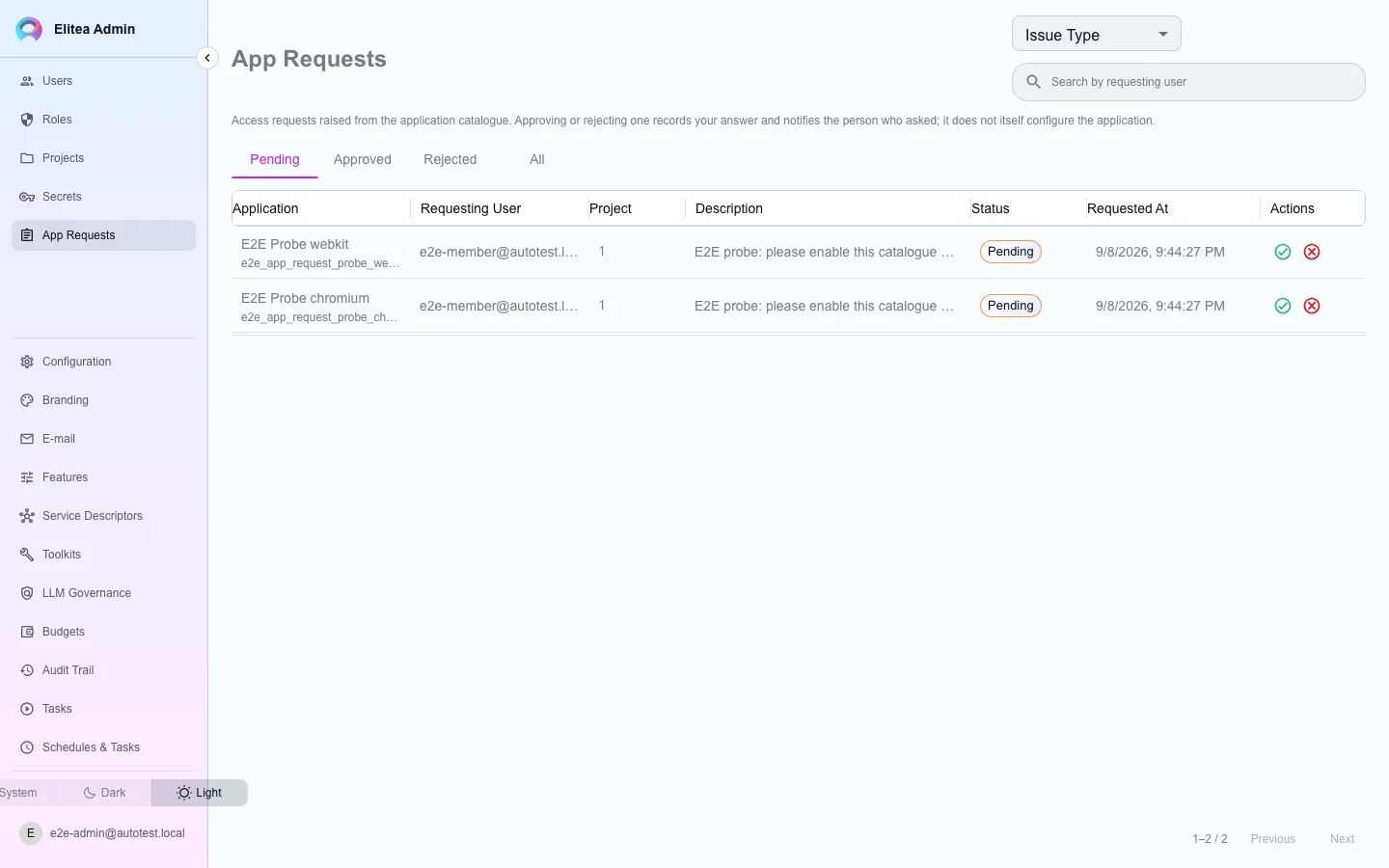
Section titled “Decide an app request”A member who opens the application catalog and requests access to something their project is not configured for creates a row here — separate from the agent/skill publishing review, which is a different mechanism entirely.
Open App Requests
The queue lists pending requests with who asked and for what.
Approve or reject
Both record your decision and notify the requester in the same transaction.
Control which toolkit types are offered
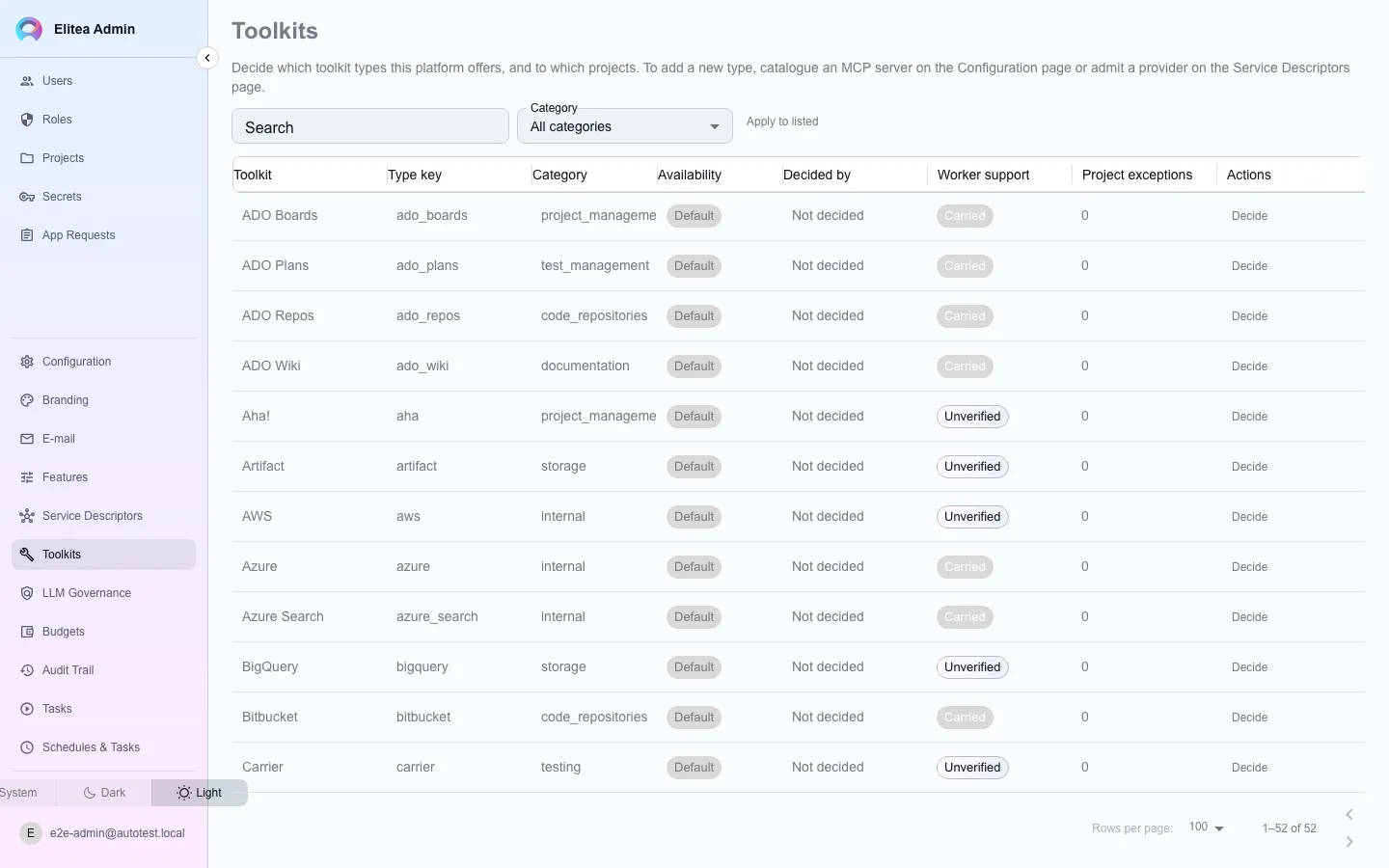
Section titled “Control which toolkit types are offered”Open Toolkits. This decides, per toolkit type, whether it is enabled, disabled, or restricted to named projects — always with a reason and a recorded decider.
Find the type
The table lists every catalogue type with its current availability and a worker-support indicator.
Change its availability
Choose enabled, disabled, or restricted; a restricted type also lists which projects can use it. A reason is required for every choice except reverting to the default.
With no rows, every type is offered. To make the catalogue default-deny, set Configuration › Connector Catalogue › Mode to approved_only: a toolkit type or MCP server is then usable only after a connector request is approved under Connector requests, and approval writes the type’s availability for the requested projects. See Connector approval.