Users and roles
Users and Roles are two related admin pages: Users acts on individual accounts, and Roles defines what each role is allowed to do.
For an access review, Export entitlements on the Users page downloads who holds which role on the platform, each project and each agent, with the governance capabilities each role carries. Identity governance tools can read the same data over SCIM. See Entitlement export for the format.
Manage users
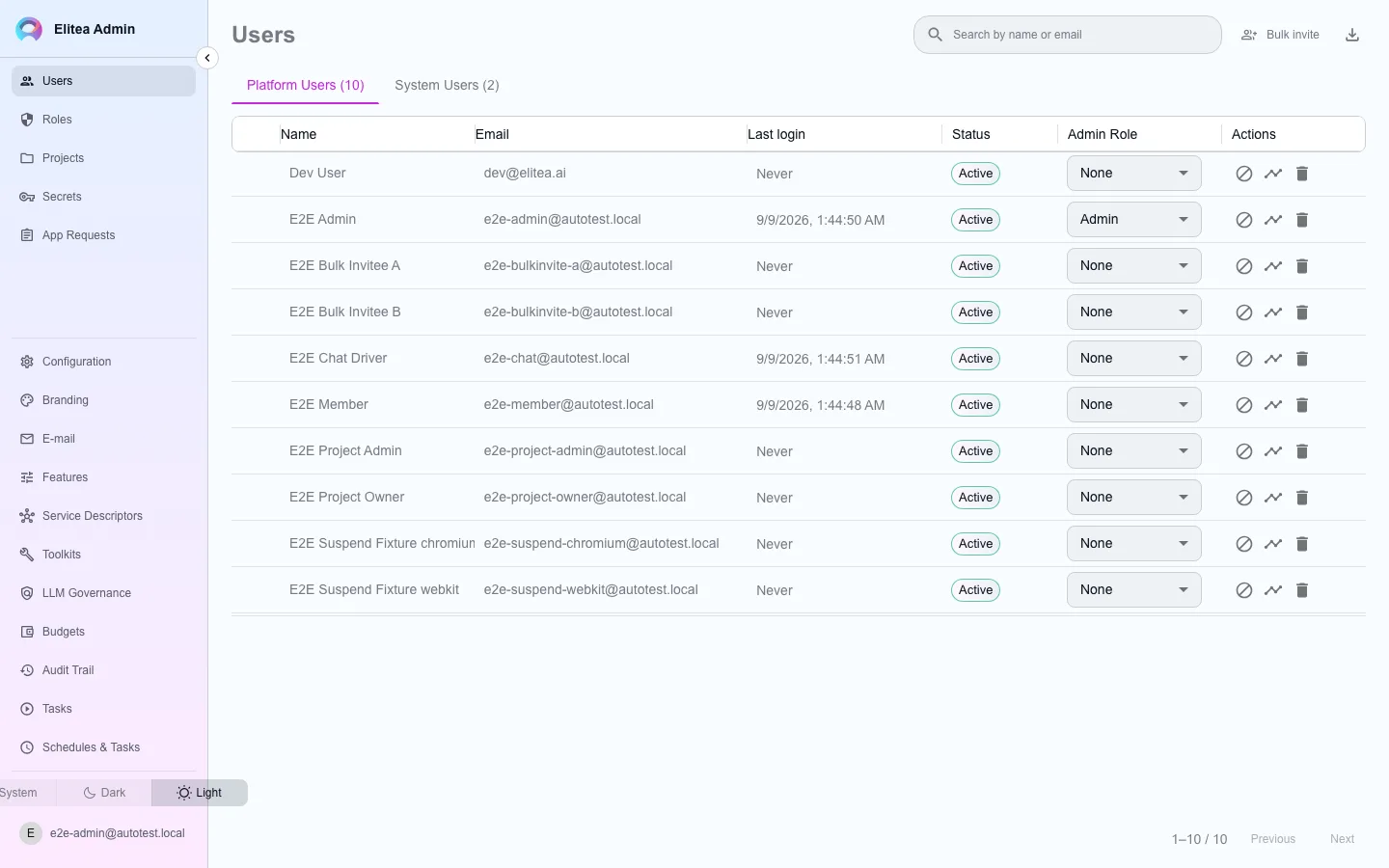
Section titled “Manage users”Open Users in the admin console. The table lists every account on the deployment, with search.
Find the account
Search by name or e-mail.
Act on it
From the row menu: delete the account, grant or revoke the global admin role, or suspend/unsuspend it. A suspended account cannot sign in.
Review activity
Open the activity drawer for a per-user view built on the same audit data as the Audit Trail page.
Export
Export to CSV downloads the current list.
Edit roles and permissions
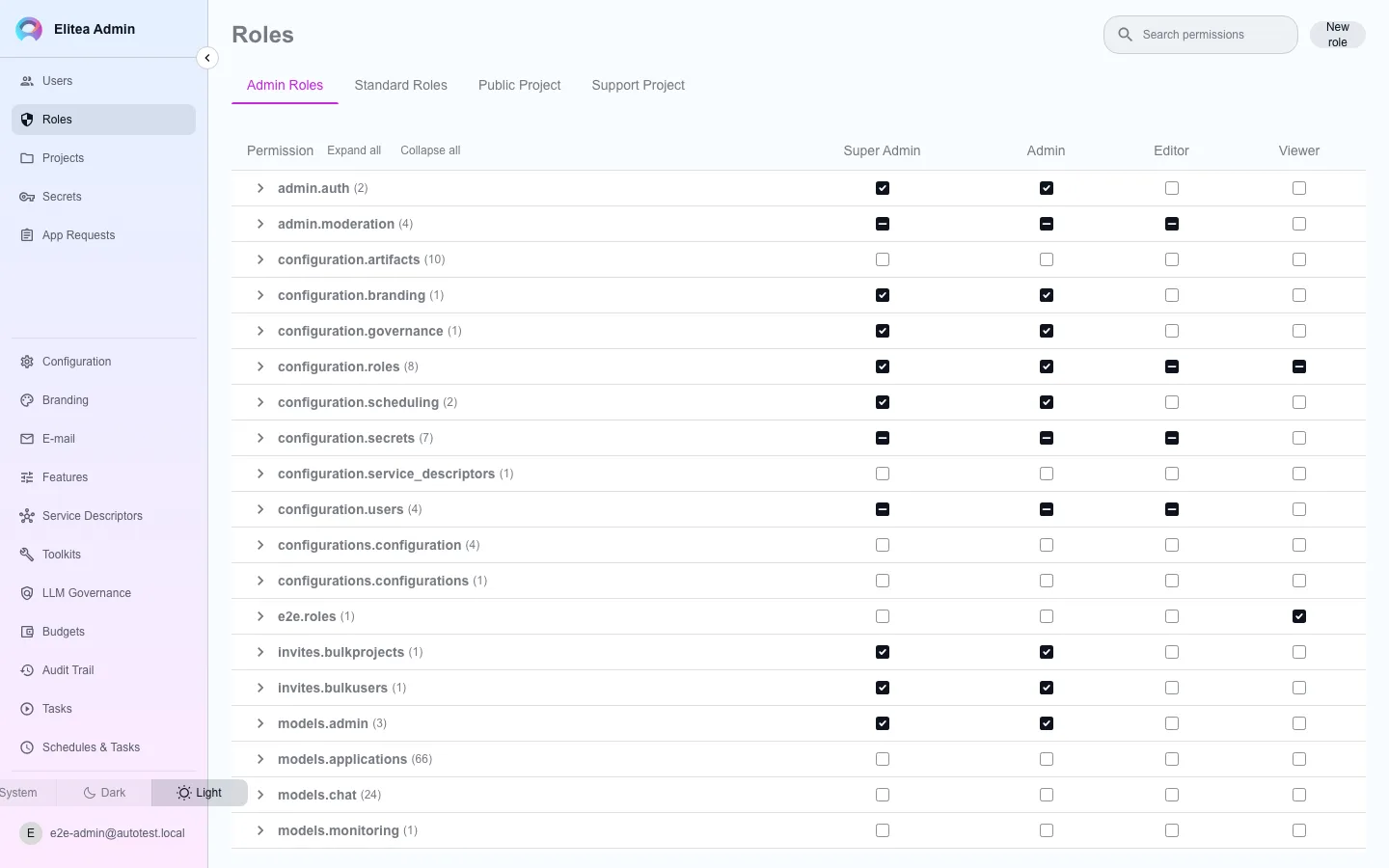
Section titled “Edit roles and permissions”Open Roles. It shows a permission matrix across three scopes, each a tab:
- Central — the administration-mode roles used across the deployment (the ones this admin console itself is gated on).
- Public Project — roles available inside the shared public project.
- Support Project — roles for the support project, if one is configured for this deployment. If none is configured, this tab reports that rather than an empty grid.
Toggle a permission
Click a cell to grant or revoke that permission for that role, within the selected scope.
Create, rename, or delete a role
Use the controls above the matrix. A new standard role only reaches projects that already exist once you use Apply to Projects next to it — creating the role does not retroactively push it everywhere by itself.