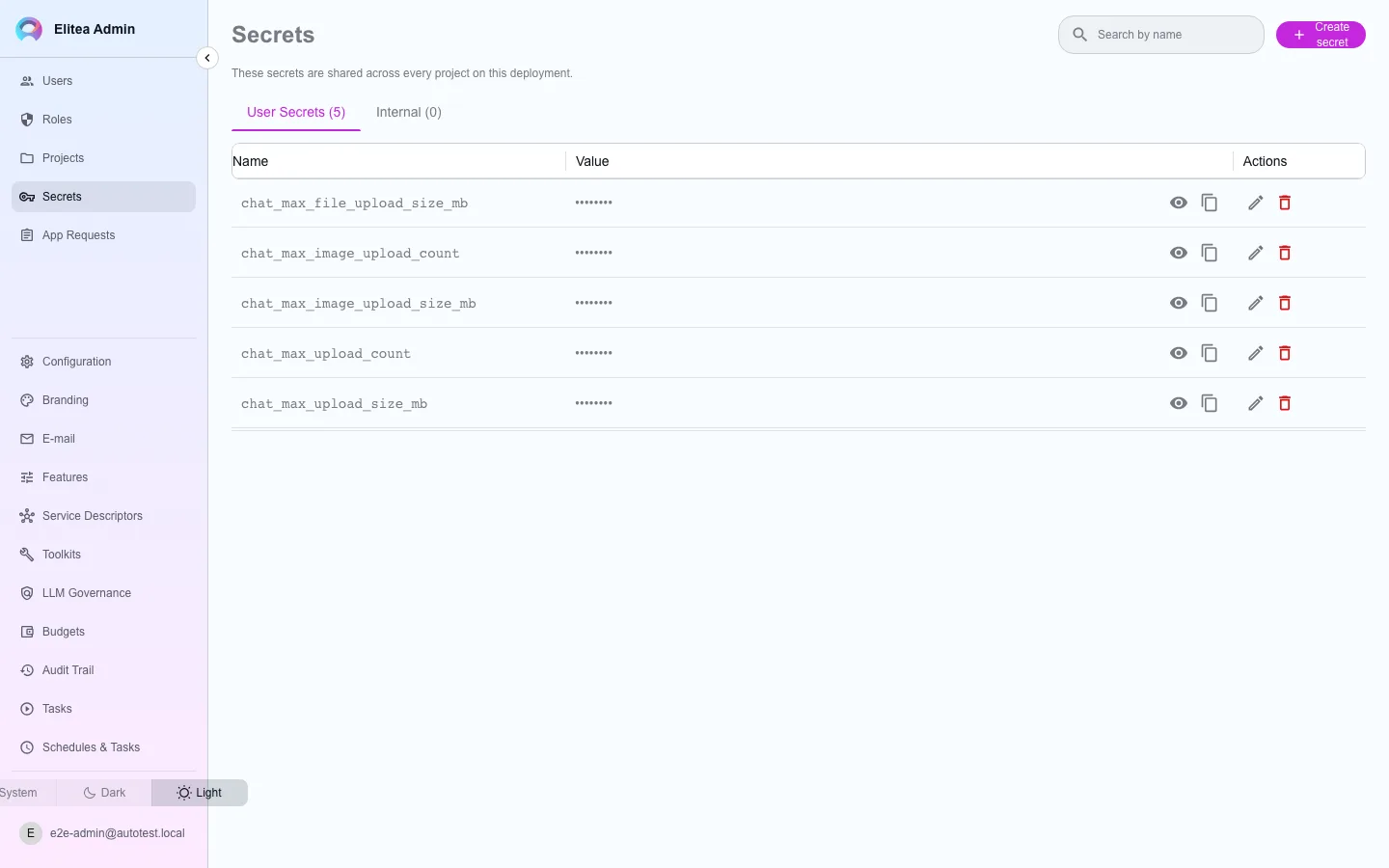
Secrets
Admin Secrets is a different store from a project’s own Settings › Secrets page. A project’s vault serves only that project; the global vault edited here is merged into {{secret.…}} resolution for every project on the deployment.
Use the global vault for a value every project should be able to reference — a shared API key for an internal tool, a company-wide webhook target — instead of copying the same secret into each project’s own vault, where it would need to be kept in sync by hand.
Manage a global secret
Section titled “Manage a global secret”Open Admin › Secrets
The table lists every global secret by key; values are masked.
Create one
Give it a key and a value. Reference it from any project as
{{secret.<key>}}, the same placeholder syntax used for a project-scoped secret.Edit or delete it
A write here is platform-wide — it changes what every project resolves for that key.