Execution nodes: LLM, agent, toolkit and MCP
Execution nodes are where a pipeline does its work — calling a model, delegating to an agent, or running a specific tool with known parameters.
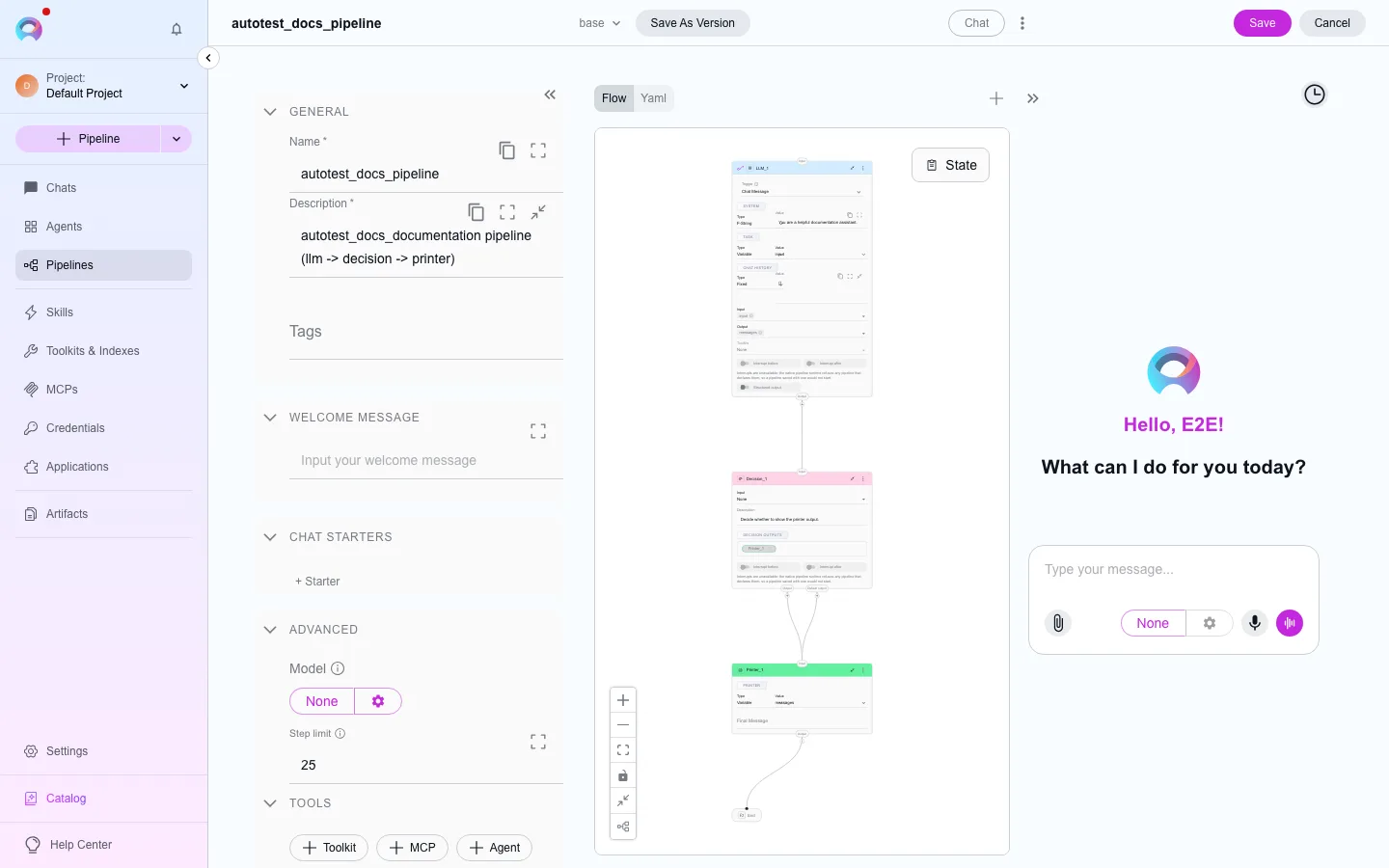
Calls a model directly with a system message and a task, without wrapping it in a full agent. Useful when you know exactly what you want asked and don’t need an agent’s own toolkits or persona.
| Field | What it does |
|---|---|
| System | Fixed text, a template, or a state variable — sets the model’s role/behavior |
| Task | The request sent to the model, same three input types |
| Chat history | What prior conversation context (if any) to include |
| Input / Output | Which state variables feed in, and which are populated from the response |
| Toolkits | Toolkits or MCPs the model can call as tools during this step |
| Structured output | When enabled, the response is parsed into your named output variables instead of dropped into messages as free text |
| Output contract | A rule for the answer: a JSON Schema, a regular expression, or a named format (json, markdown, csv). The worker validates the answer and asks the model one more time if it is not valid. If the second answer is not valid, the node stops with output_contract_violation and the next node does not run. Not available when structured output is on. See Output contracts |
Delegates the step to an agent you’ve already added to the pipeline (Pipeline Configuration › Toolkits), reusing its instructions, model and attached toolkits instead of reconfiguring an LLM call from scratch.
| Field | What it does |
|---|---|
| Agent | Which added agent runs this step |
| Task | The instruction sent to the agent — fixed, templated, or from state |
| Input / Output | Same pattern as the LLM node |
| Custom variables | Values for any custom variables the agent’s own configuration defines |
Toolkit
Section titled “Toolkit”Calls one specific tool from a toolkit already attached to the pipeline, with parameters mapped directly from state — no LLM call, fast and deterministic.
| Field | What it does |
|---|---|
| Toolkit / Tool | Which attached toolkit, and which of its tools to run |
| Input mapping | Maps each of the tool’s parameters to a fixed value, a template, or a state variable |
| Output | Where the tool’s result is written |
Calls one tool from a connected MCP server, the same way the Toolkit node calls a toolkit tool — direct parameter mapping, no LLM step. MCP nodes only reach MCP servers; for an Elitea toolkit’s own tools, use the Toolkit node instead.
| Field | What it does |
|---|---|
| MCP server / Tool | Which connected MCP server and which of its tools |
| Input mapping | Maps the tool’s parameters, same as the Toolkit node |
| Structured output | Parse the tool’s result into named state variables instead of messages |