

Edit a pipeline as YAML
Alongside the flow editor, a pipeline’s Configuration tab has a YAML view: a code editor over the same document the flow editor draws. A change in either view is reflected in the other — neither is a snapshot of the other.
Schema
Section titled “Schema”Every pipeline document has three required top-level sections:
entry_point: <node_id> # the starting nodestate: {...} # state variable declarationsnodes: [...] # the node definitionsentry_point names the node id execution starts from. state declares the pipeline’s variables — each with a type and, optionally, a default value:
state: input: type: string counter: type: number value: 0 qna_list: type: list value: [] metadata: type: JSON value: {}input and messages are built in — the editor seeds them automatically and they don’t need an initial value. Beyond those two, a state key cannot use one of the runtime’s reserved names (output, session_id, chat_history, and others the compiler uses internally) — see Pipeline structure for the full list.
nodes is the array of node definitions — each entry names a node id (matching ^[A-Za-z0-9_.:-]+$, at most 128 bytes) and a type from the nine the runtime admits.
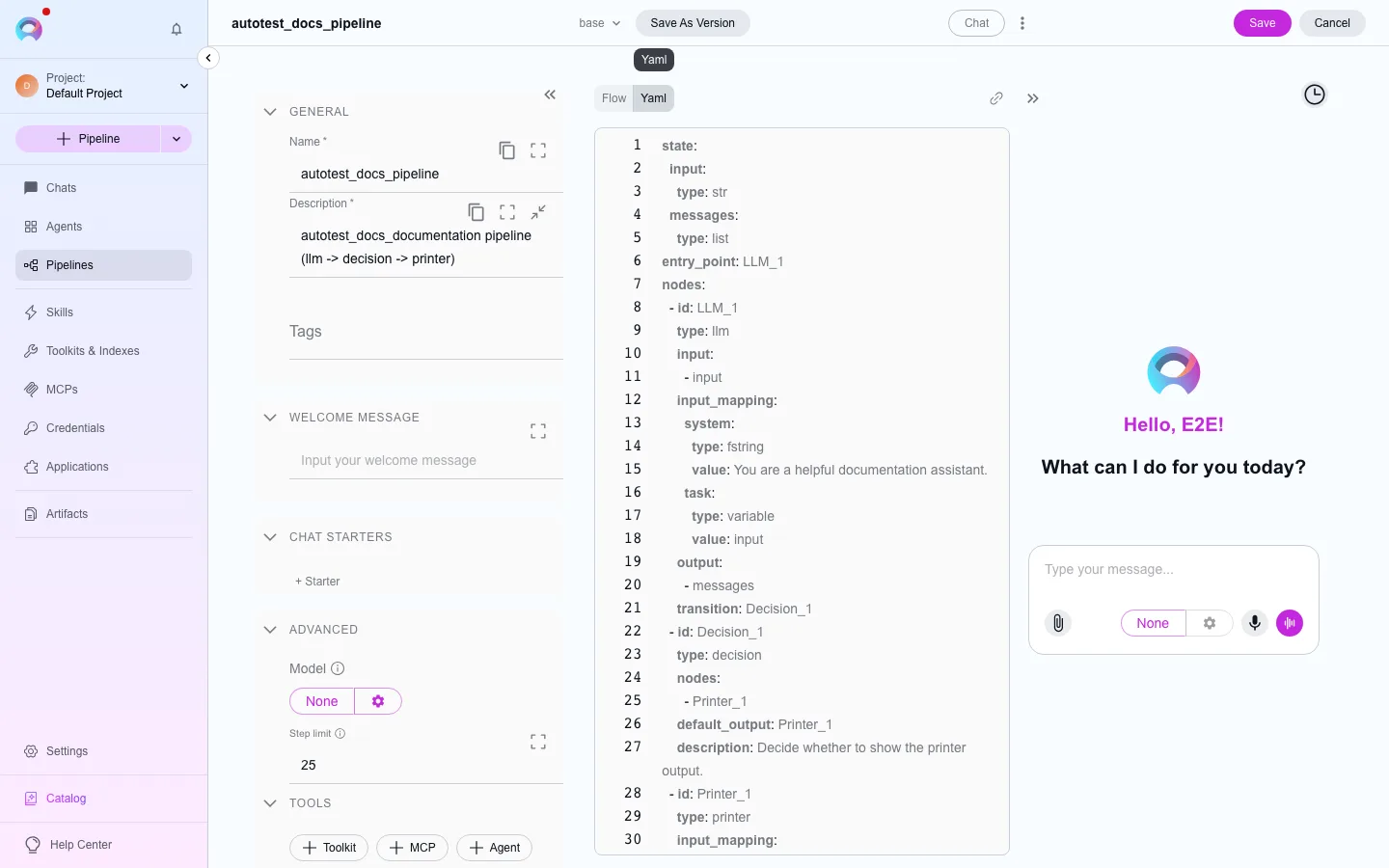
When to use YAML instead of Flow
Section titled “When to use YAML instead of Flow”The YAML view is useful for copying a pipeline definition out for review or version control, editing many nodes at once, or working faster once you know the schema. For visually laying out nodes and connections, use the flow editor instead — the two views edit the same document, so switch freely.
A minimal example
Section titled “A minimal example”entry_point: classifystate: input: type: string category: type: string value: ""nodes: - id: classify type: llm - id: route type: decision - id: summarize type: printerThis isn’t a runnable pipeline on its own — it’s meant to show the shape: an entry point, a state block, and a nodes array where each entry has an id and a type. A real pipeline also wires up each node’s configuration (prompt, model, routing conditions), its connections to the next node, and a path into the reserved END sentinel to terminate — see Pipeline node types for why END isn’t a node type you configure like the others.