

Automate Jira with Elitea
This is a worked example: a Jira Automation rule calls an Elitea agent whenever someone clicks a button on an issue, the agent fetches the issue with its Jira toolkit, reviews it against your instructions, and posts the review back as a comment. Adapt the same pattern to other Jira-triggered workflows.
Build the review agent
Section titled “Build the review agent”- Create an agent (or edit an existing one) at
/agents/create. - Give it instructions that describe the review, for example: “You will receive a Jira issue key as input. Use the Jira toolkit to fetch the issue’s details, review it, then post a comment on the same issue summarizing gaps and clarifying questions.”
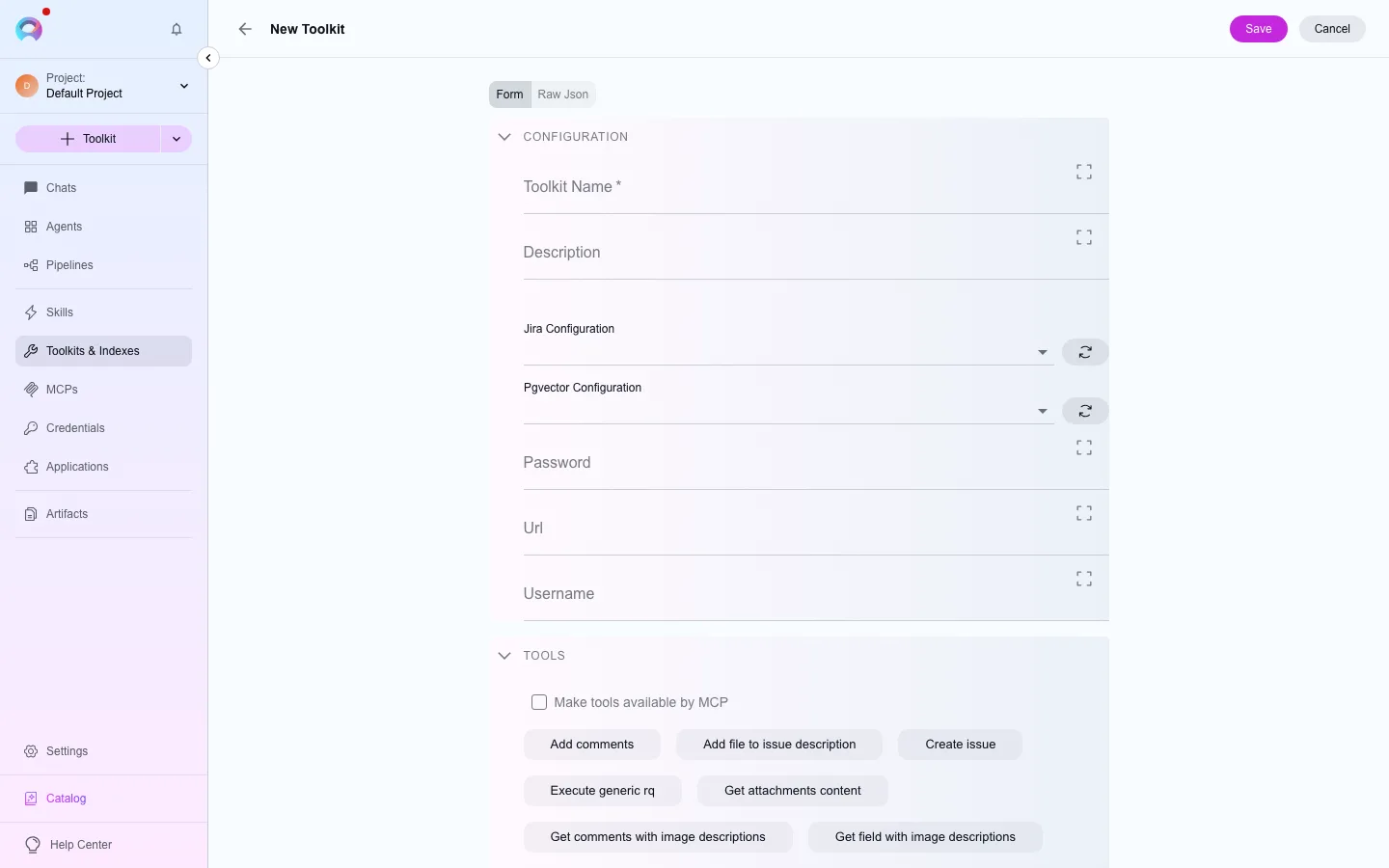
- Attach a Jira toolkit configured with your Jira instance and a credential that can read and comment on issues — see Use credentials in a toolkit.
- Save the agent.
Set up the API side once
Section titled “Set up the API side once”Elitea’s chat API works against a conversation, not a bare agent call, so you set this up once and reuse it:
- Create a personal access token for the automation to authenticate with — see Create a personal access token.
- Create a conversation with your review agent as its participant, and note the conversation’s ID and the agent’s participant ID within it.
- Keep both IDs — the automation rule will post every trigger into this same conversation.
Configure the Jira Automation rule
Section titled “Configure the Jira Automation rule”In Jira, create an Automation rule with a manual trigger (a button on the issue view) and a Send web request action:
- Method: POST
- URL: your Elitea instance’s message endpoint for the conversation you created (
/api/v2/elitea_core/messages/prompt_lib/{projectID}/{conversationID}) - Headers:
Authorization: Bearer <your personal access token> - Body: a JSON payload carrying the participant ID and the issue key as the user input, for example using Jira’s
{{issue.key}}smart value in place of a literal key.
Test and troubleshoot
Section titled “Test and troubleshoot”Run the automation manually on a test issue first. If nothing happens, check: the personal access token hasn’t expired, the conversation and participant IDs are correct, and the Jira credential attached to the toolkit still has permission to comment on the issue.
Next steps
Section titled “Next steps”- Use credentials in a toolkit for the Jira credential setup.
- Webhooks and pipeline triggers for triggering a pipeline instead of an agent.