

Index and search data with tools
Indexing tools aren’t limited to the Indexes tab — once a toolkit has an index, an agent, a pipeline, or a chat conversation with that toolkit attached can call its search tools directly.
The tools
Section titled “The tools”| Tool | What it does | Where it can run |
|---|---|---|
| Index Data | Creates or updates an index | Indexes tab only |
| Search Index | Direct semantic search over an index | Indexes tab, chat, agents, pipelines, Test tools |
| Stepback Search Index | Rewrites the query before searching, for better recall on complex questions | Same as Search Index |
| Stepback Summary Index | Runs a stepback search and returns a generated summary | Same as Search Index |
| Remove Index | Deletes an index | Indexes tab only |
| List Indexes | Lists a toolkit’s indexes | Rarely needed — the Indexes tab already lists them |
Search from chat or an agent
Section titled “Search from chat or an agent”- Add the indexed toolkit as a participant in a conversation, or attach it to an agent.
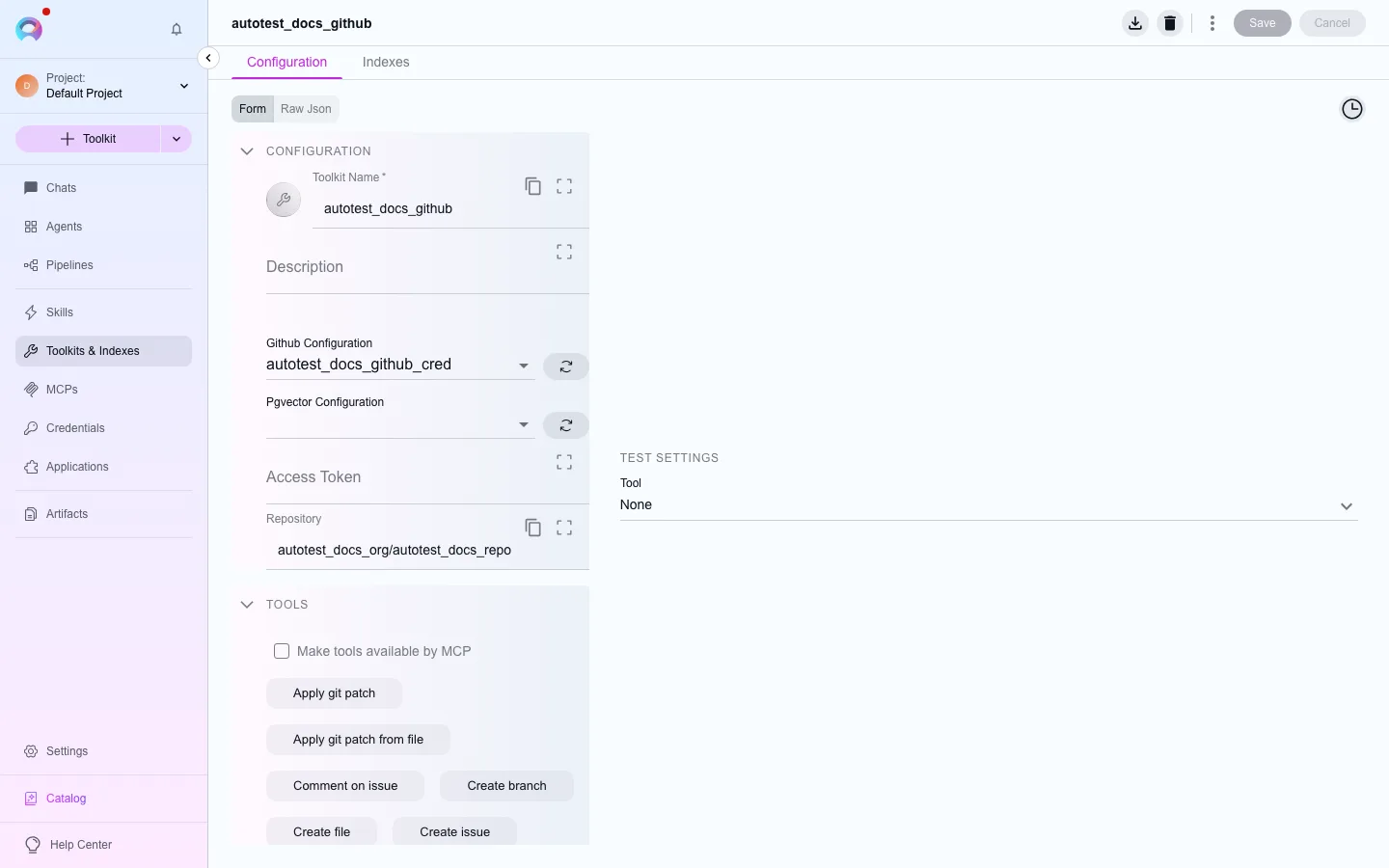
- Make sure the search tool you want (Search Index, Stepback Search Index, or Stepback Summary Index) is turned on in the toolkit’s configuration.
- Ask a question in natural language. The toolkit runs the search tool against the index and returns matching content — or, with Stepback Summary Index, a generated summary of it.
Search from the Indexes tab
Section titled “Search from the Indexes tab”You can also run these search tools directly from an index’s own page, without going through chat — useful for quickly checking what an index actually returns before wiring it into an agent.
Vector store and embeddings
Section titled “Vector store and embeddings”Search quality depends on the embedding model indexing itself uses: it turns your query into a vector, which is compared with the indexed vectors in the platform’s vector store (Qdrant, behind the elitea-vector service). There is no vector-store configuration to set up. See Index external data for how to configure the embedding model.
Next steps
Section titled “Next steps”- Use the Indexes tab to create an index in the first place.
- Schedule re-indexing to keep results current.