

Index data from a source
The overall indexing procedure is the same for every source: configure a credential, pick the embedding model, set the source’s scope fields, then start the run. This page covers the setup each source needs; for the shared procedure and the index lifecycle itself, see Index external data and Use the Indexes tab.
Shared setup (do this once per project)
Section titled “Shared setup (do this once per project)”- In Settings › AI Providers, configure an embedding model. Indexes are kept in the platform’s vector store, so there is no vector-store connection to set up.
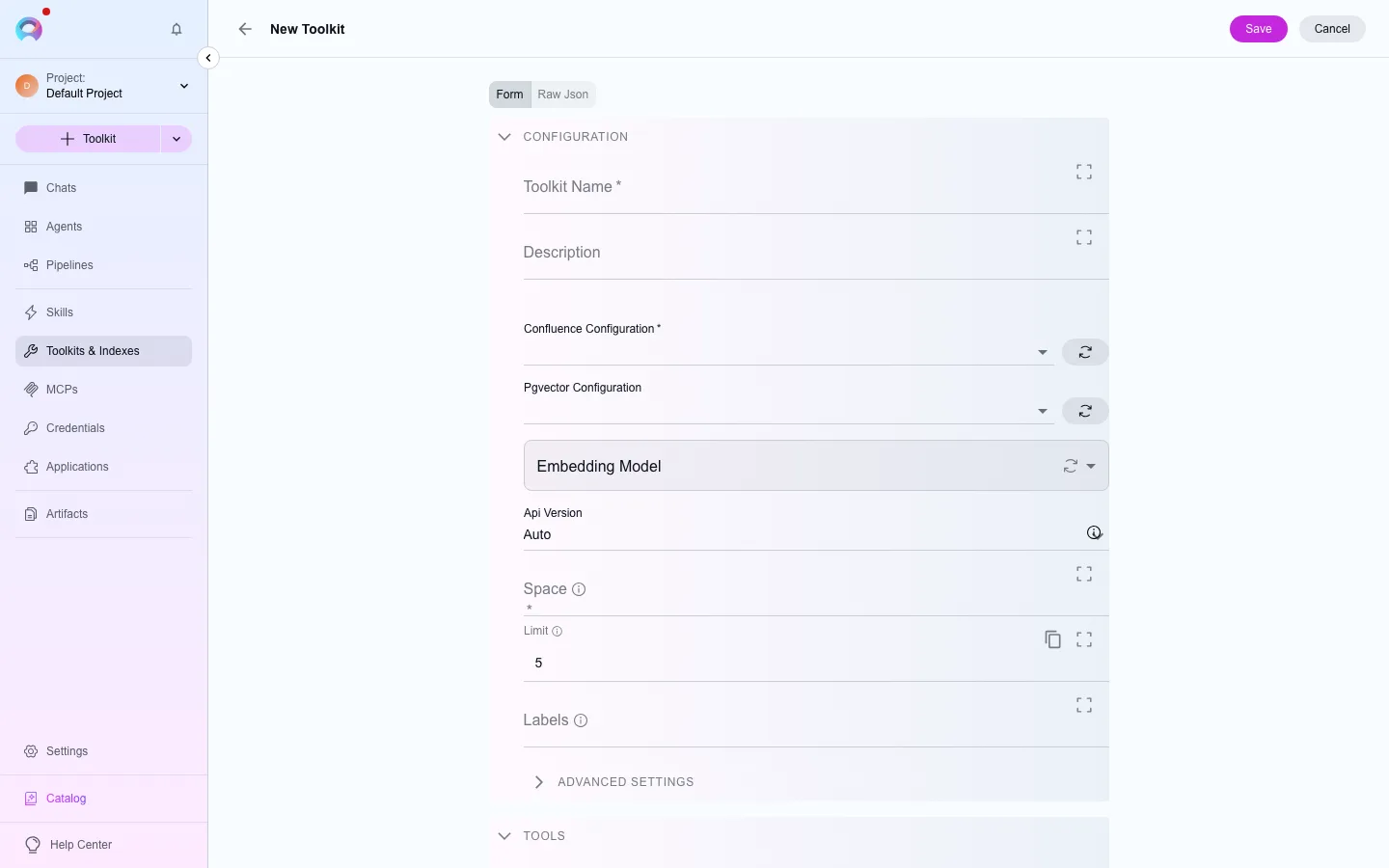
- Create a toolkit of the source’s type (see the tabs below for which credential it needs).
- Turn on the Index Data tool in the toolkit’s configuration.
- Open the toolkit’s Indexes tab and create an index using the source’s scope fields.
Source-specific setup
Section titled “Source-specific setup”Toolkit type: confluence. Needs a Confluence credential (API token). Scope fields include the space key and optional label/CQL filters.
Toolkit type: sharepoint. Needs a SharePoint credential (Azure AD app registration). Scope fields include the site, drive, and folder to index.
Toolkit type: ado_wiki. Needs an Azure DevOps credential (personal access token). Scope fields include the wiki identifier.
Toolkit type: figma. Needs a Figma credential (personal access token). Scope fields include the file or project to index.
Built in — no import key or external credential. Indexes files already uploaded to one of your project’s artifact buckets.
Toolkit type: github. Needs a GitHub credential (personal access token or GitHub App). Scope fields include the repository and branch.
Toolkit type: jira. Needs a Jira credential (API token). Scope fields include a JQL query or project filter.
Toolkit type: testrail. Needs a TestRail credential (API key). Scope fields include the project or suite.
Toolkit type: xray_cloud (renamed from the earlier “Xray”). Needs Xray Cloud API credentials (client ID and secret).
Toolkit type: zephyr_scale, zephyr_enterprise, or zephyr_essential depending on which Zephyr product you use — each has its own credential shape and its own index-capable type.
Next steps
Section titled “Next steps”- Use the Indexes tab for the create/reindex/schedule/history workflow.
- Use credentials in a toolkit for how credentials attach to a toolkit.