

Settings overview
Select Settings in the sidebar to manage Elitea at two levels: project settings, which apply to everyone in the current project, and personal settings, which apply only to you across every project.
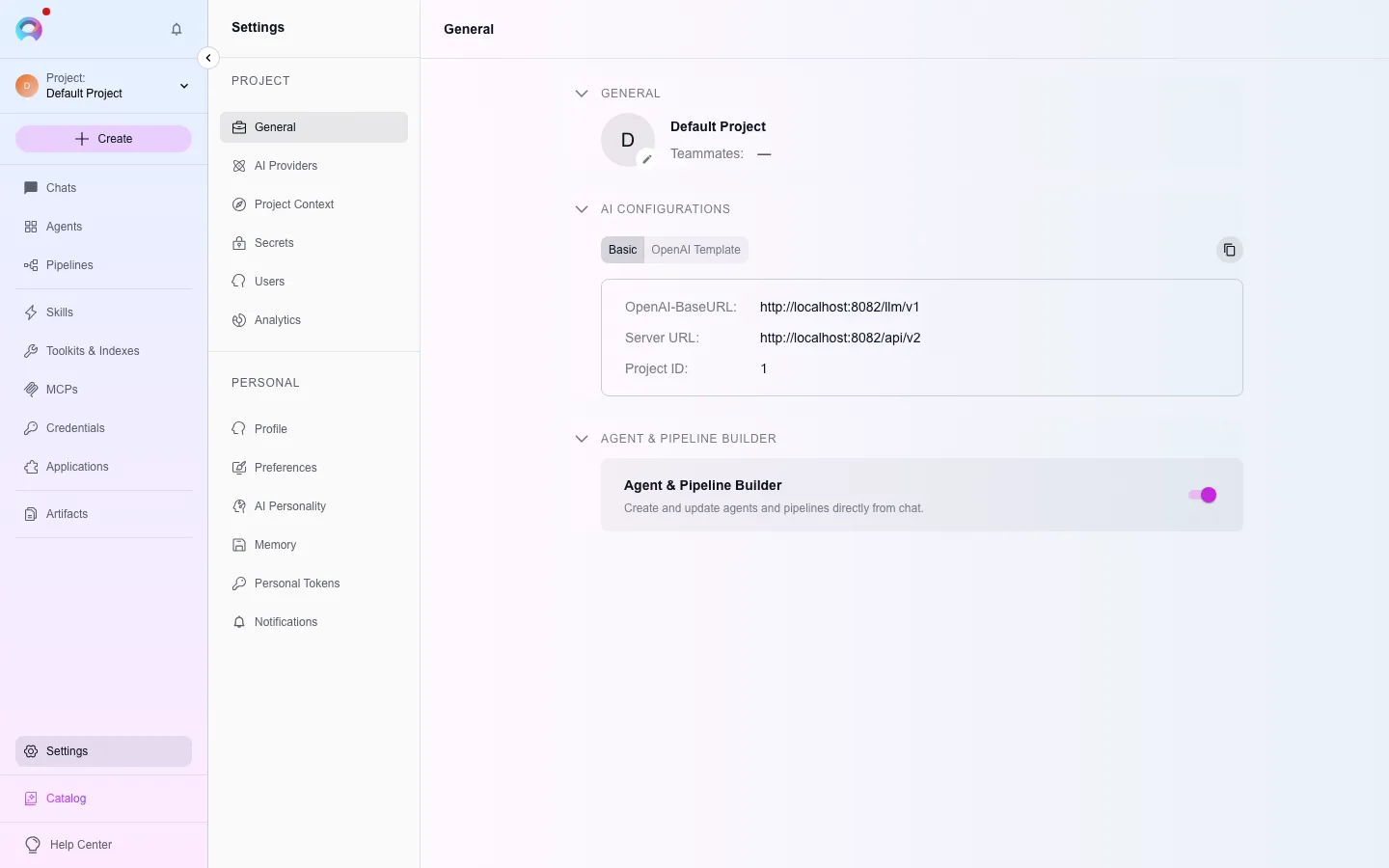
Project settings
Section titled “Project settings”Project settings
General info, project context, secrets, and users.
AI Providers
Models, embeddings, and AI credentials.
Analytics & usage
Adoption, cost, and health metrics; budget consumption.
Some project sections only appear in specific contexts: Project Context, Prompts, and Environment are visible only in the Public project; Users is hidden in a personal project; Analytics requires the analytics_enabled admin flag and Usage requires cost_budgets_enabled.
Personal settings
Section titled “Personal settings”Personal settings
Profile, preferences, and AI personality.
Memory
Context-window management for new conversations.
Personal tokens
API and IDE access tokens.
Notifications
Your notification history and preferences.
Your role and permissions determine what you can view or edit within each section — some, like Secrets and Users, are restricted to Admin, System, or Editor roles.