

Help and support
Elitea offers two places to get help without leaving your work: the Help Center, a static hub of links your administrator configures, and the Support Assistant, a context-aware AI chat widget.
Help Center
Section titled “Help Center”Select the ? button near the bottom of the sidebar to open the Help Center.
In the desktop app, open the account menu at the foot of the sidebar and select Get help. The bug button beside the account button files a bug report on GitHub (Desktop account menu).
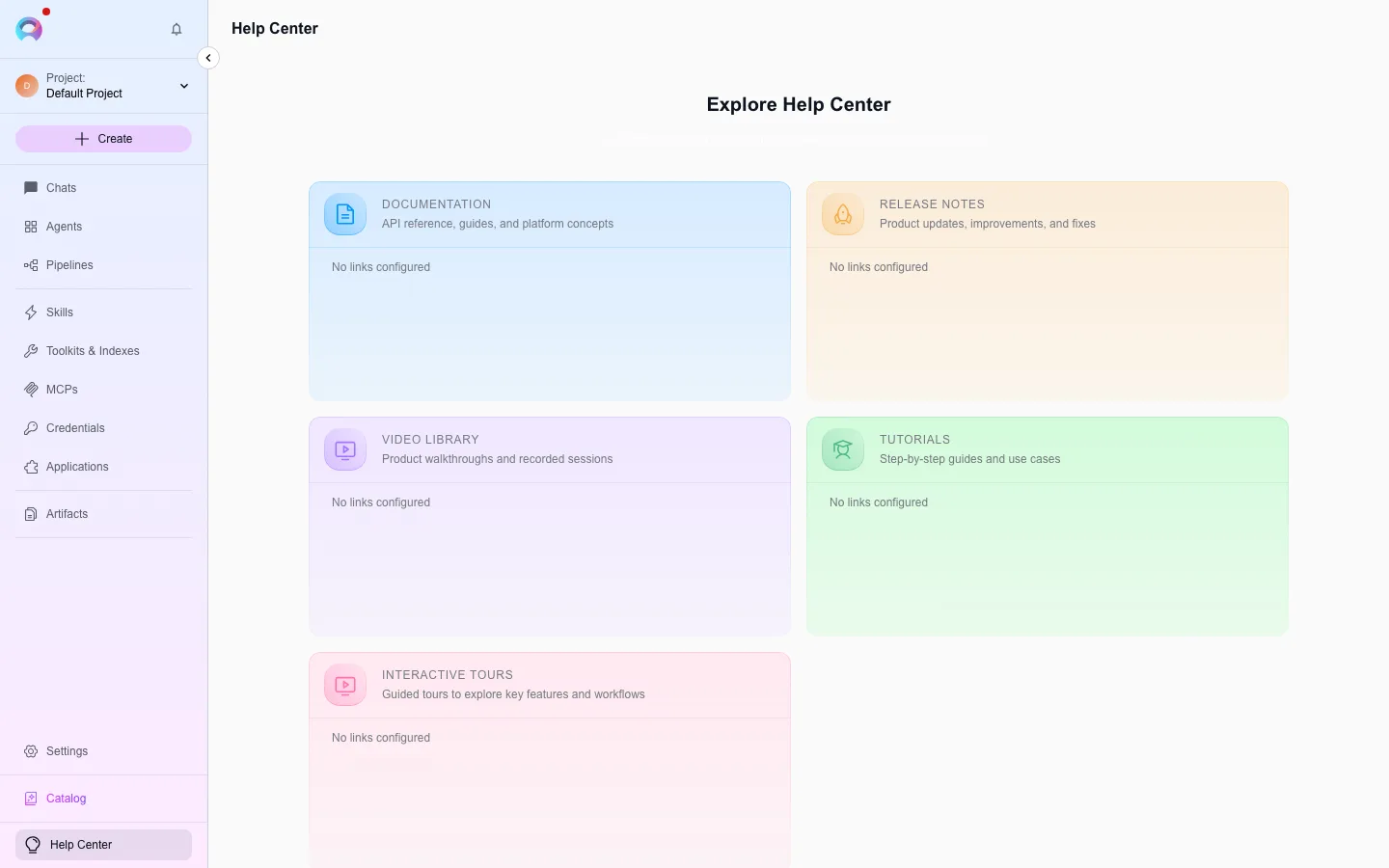
Its default sections are Documentation, Release notes, Video library, Tutorials, and Interactive tours — each one links to whatever your administrator has configured under admin Features › Help Center. Titles, descriptions, and links are fully customizable per deployment. A section with no links tells you so and names the place where an administrator adds them, for example “No videos yet. An administrator can add links in Admin › Features › Help Center.” The cards use the neutral Elitea AI look: one card style for all sections, with no colour per section. When enabled, the header also shows the running platform version.
Support Assistant
Section titled “Support Assistant”The Support Assistant is an optional, floating chat widget available from the sidebar when your administrator has turned it on. It tracks your current project, page, and any open entity (an agent, pipeline, toolkit, MCP, application, credential, or conversation), so its answers can be specific to what you’re doing.
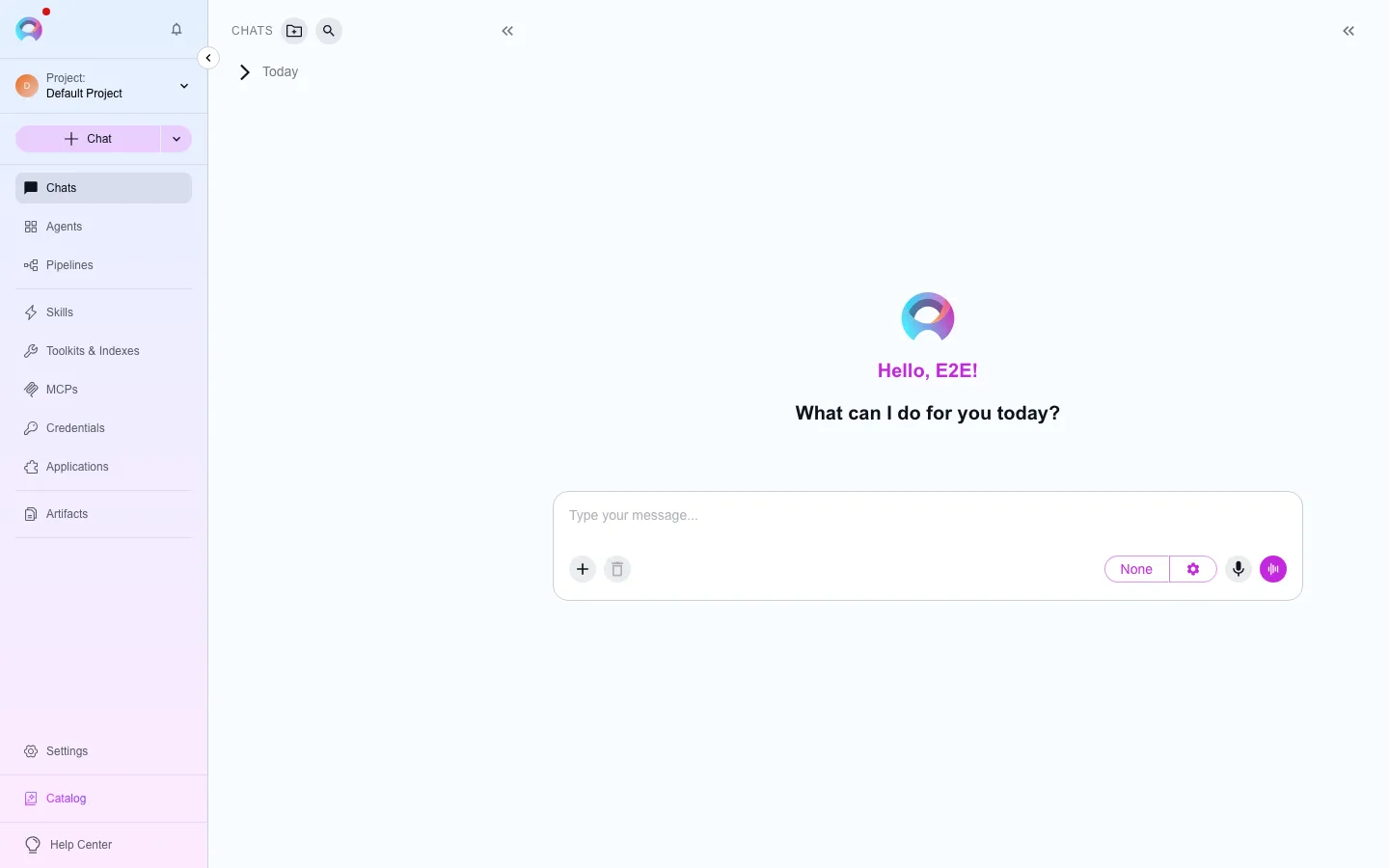
What it can do:
- Answer questions in context, with full Markdown rendering — tables, code blocks, and Mermaid diagrams render as diagrams rather than raw text.
- Keep a history of your past conversations with it, reachable from the history icon in its header.
- Attach up to 10 files per message (images or documents, same limits as the main chat composer) by clicking the paperclip icon, dragging them onto the input, or pasting an image from the clipboard. Each attached file shows its own status chip — queued, uploading, or failed — and can be removed before you send.
- Expand to a fullscreen view, and follow your light/dark theme automatically.
Contact support
Section titled “Contact support”Elitea does not ship a built-in support-ticket system. If something isn’t covered by the Support Assistant or the documentation, reach out to your platform administrator directly, or use the Support Assistant itself for a first pass at a solution.