

DeepWiki and Inventory
DeepWiki and Inventory are configured from Applications and, once set up, open at /deepwiki and /inventory. Visiting either route resolves your project’s configured toolkit automatically: it opens directly if there is exactly one, offers a picker if there are several, or shows an empty state if none is configured yet.
DeepWiki
Section titled “DeepWiki”DeepWiki generates a searchable, AI-authored wiki from a connected code repository — architecture summaries, source-linked explanations, and a chat panel for asking questions about the codebase.
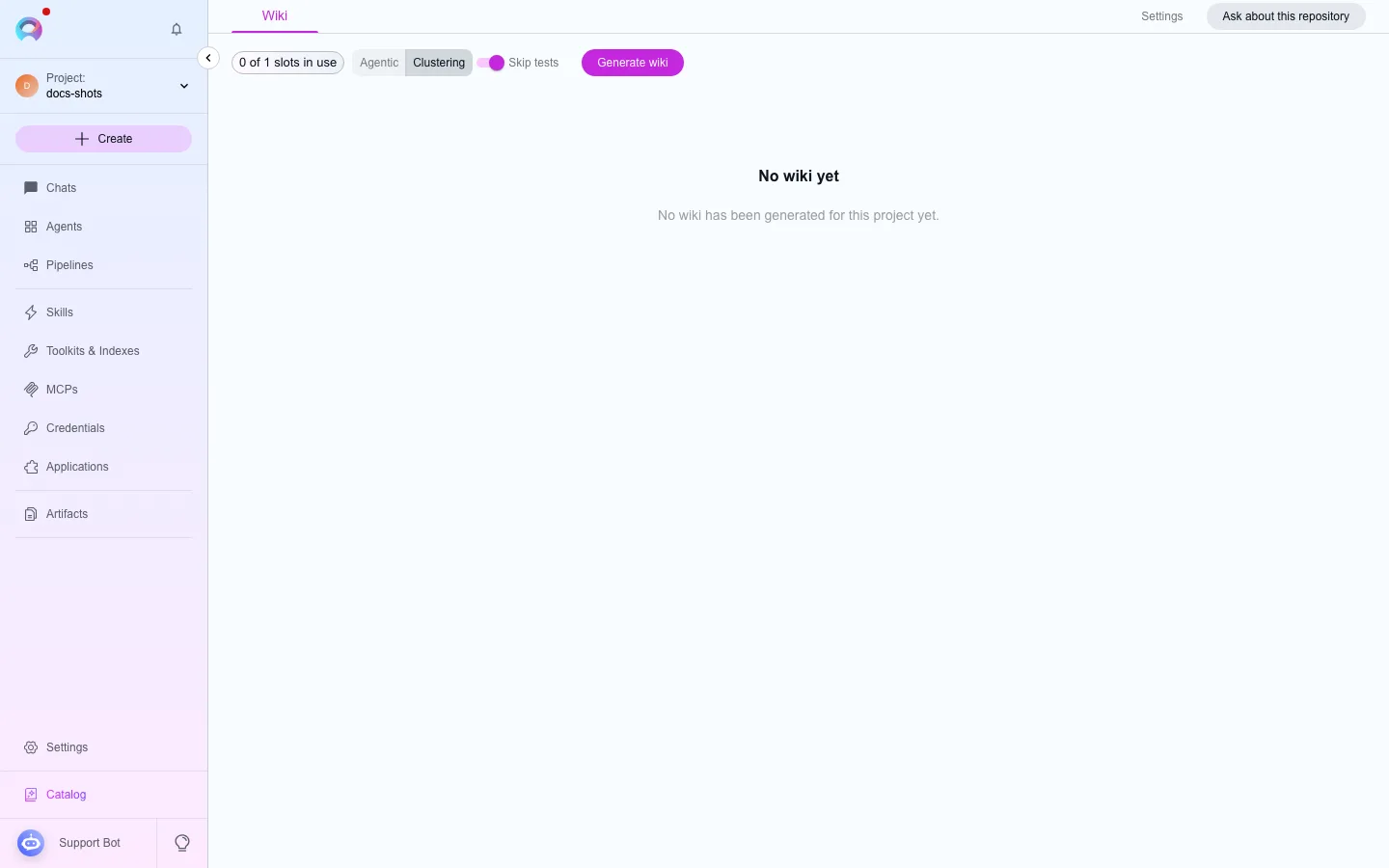
Configuration: a code toolkit (GitHub, GitLab, Bitbucket, or Azure DevOps Repos), an LLM model, a max-token budget, and an embedding model.
What you can do:
- Browse generated wiki pages and architecture diagrams.
- Ask questions in the wiki chat drawer as a continuable, multi-turn session: it’s saved server-side, survives closing the drawer and reloading the page, and each new question carries earlier turns as context.
- List, resume, or delete this toolkit’s past wiki chat sessions from the drawer’s history control.
- Attach context to a question — specific wiki pages, small text files from your own machine (Markdown, plain text, CSV, source code; a few hundred KB and up to five files per question), or both together.
- Edit a generated page directly, or regenerate content for the connected repository.
Inventory
Section titled “Inventory”Inventory builds a knowledge graph of your codebase — components, dependencies, and ownership — so you can understand the code estate before planning a migration or refactor.
Configuration: one or more repository toolkits (GitHub and Azure DevOps Repos by default) and the AI model settings used to build the graph.
What you can do:
- Browse entities by name, type, layer, or source.
- Inspect a single component’s properties and relationships.
- Ask questions about the ingested codebase in the Inventory chat panel.
- Review ingestion statistics for each connected source.