

Personal tokens
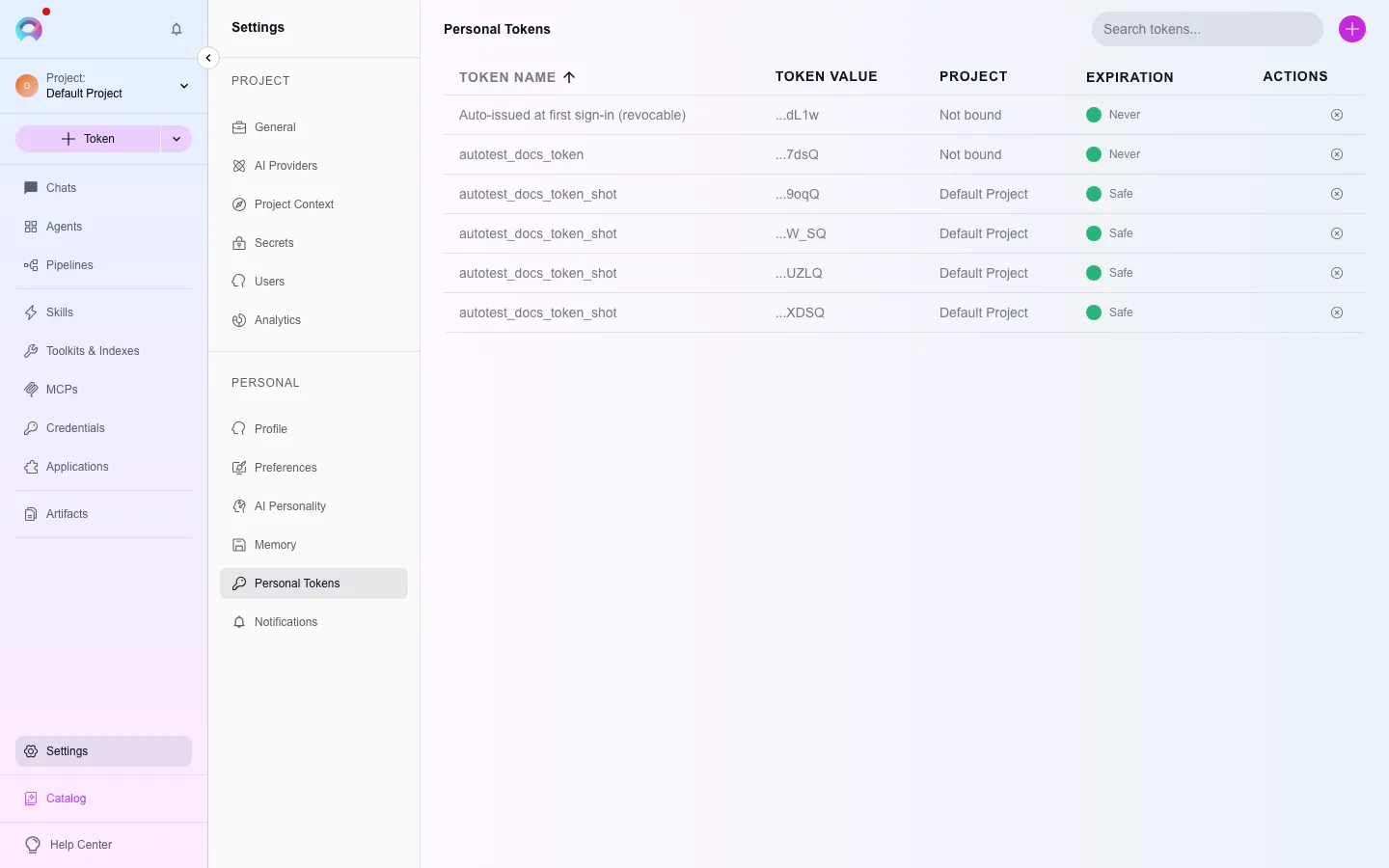
A personal access token (PAT) authenticates API calls and IDE integrations as you, without using your password. Settings › Personal Tokens is where you create, inspect, and revoke them.
Generate a token
Section titled “Generate a token”Open the form
Select +.Name it and set an expiration
Give it a descriptive name and choose Never, or a number of days, weeks, hours, or minutes.Generate and copy
The full token is shown only once — copy it immediately. It cannot be retrieved again after you close the dialog.
Manage tokens
Section titled “Manage tokens”The table shows each token’s last-4-characters value and an expiration status (a warning icon appears within 7 days of expiry). Select the preview icon to see ready-made VS Code (settings.json) or JetBrains (alita.xml) configuration snippets for that token, copy or download them, or delete a token you no longer need.
Troubleshooting
Section titled “Troubleshooting”Lost the token value
It cannot be shown again — delete it and generate a new one.
IDE download icons are missing
They only appear once a model configuration is selected and you are outside the Public project.
An integration stopped working
Check whether its token expired; expired tokens stop authenticating immediately.