

AI Providers
AI Providers is where a project registers the models and storage it uses, and picks defaults for each category. Settings here apply at the project level for every member.
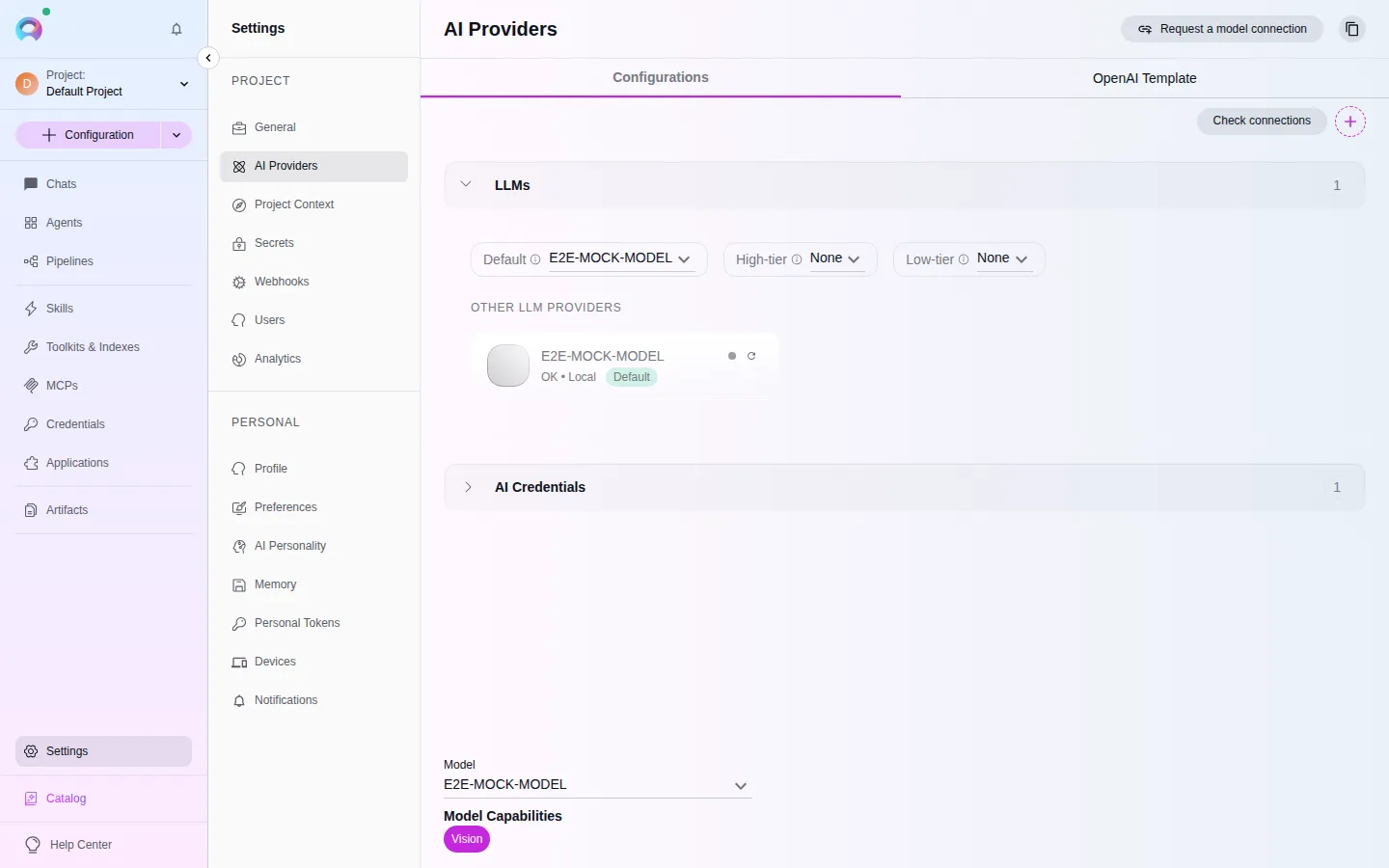
Categories
Section titled “Categories”LLMs
Embedding Models
Image Generation
Speech Recognition (ASR)
Text to Speech (TTS)
Each category shows its configured models as cards with a provider icon, name, and a badge for Default, High-tier, or Low-tier. Select a card to edit it, if your role allows.
Add a model or credential
Section titled “Add a model or credential”Create AI Credentials first
Choose a provider — OpenAI, Azure OpenAI, Anthropic, Amazon Bedrock, Google Vertex AI, Ollama, vLLM, or EPAM AI Dial — and provide its endpoint and key. One credential can back several models.Add the model
Select +, choose the model category, and fill in a display name, the exact provider model identifier, and — for LLMs — context window, max output tokens, and whether it supports reasoning or vision.Set as default
Use the category’s dropdowns to make the new configuration the project default, or the high-tier / low-tier choice.
Speech recognition and text-to-speech fallbacks
Section titled “Speech recognition and text-to-speech fallbacks”If no ASR model is configured, voice input falls back to the browser’s Web Speech API; if no TTS model is configured, playback falls back to the browser’s SpeechSynthesis API. Elitea determines ASR mode from the model name — whisper or transcribe selects batch transcription; anything else uses realtime streaming.