

ImageGen
Generate images from a text prompt, or edit an existing image, using the project’s configured image-generation model. It’s listed under the media category in the toolkit type picker.
Prerequisites
Section titled “Prerequisites”- An image-generation-capable model configured under AI Providers for this project. There’s no separate ImageGen credential — the toolkit form’s model field resolves against the project’s own image-generation models.
- A bucket to write generated and edited images into, or permission to create one from the toolkit form.
Connect the toolkit
Section titled “Connect the toolkit”Open the toolkit type picker
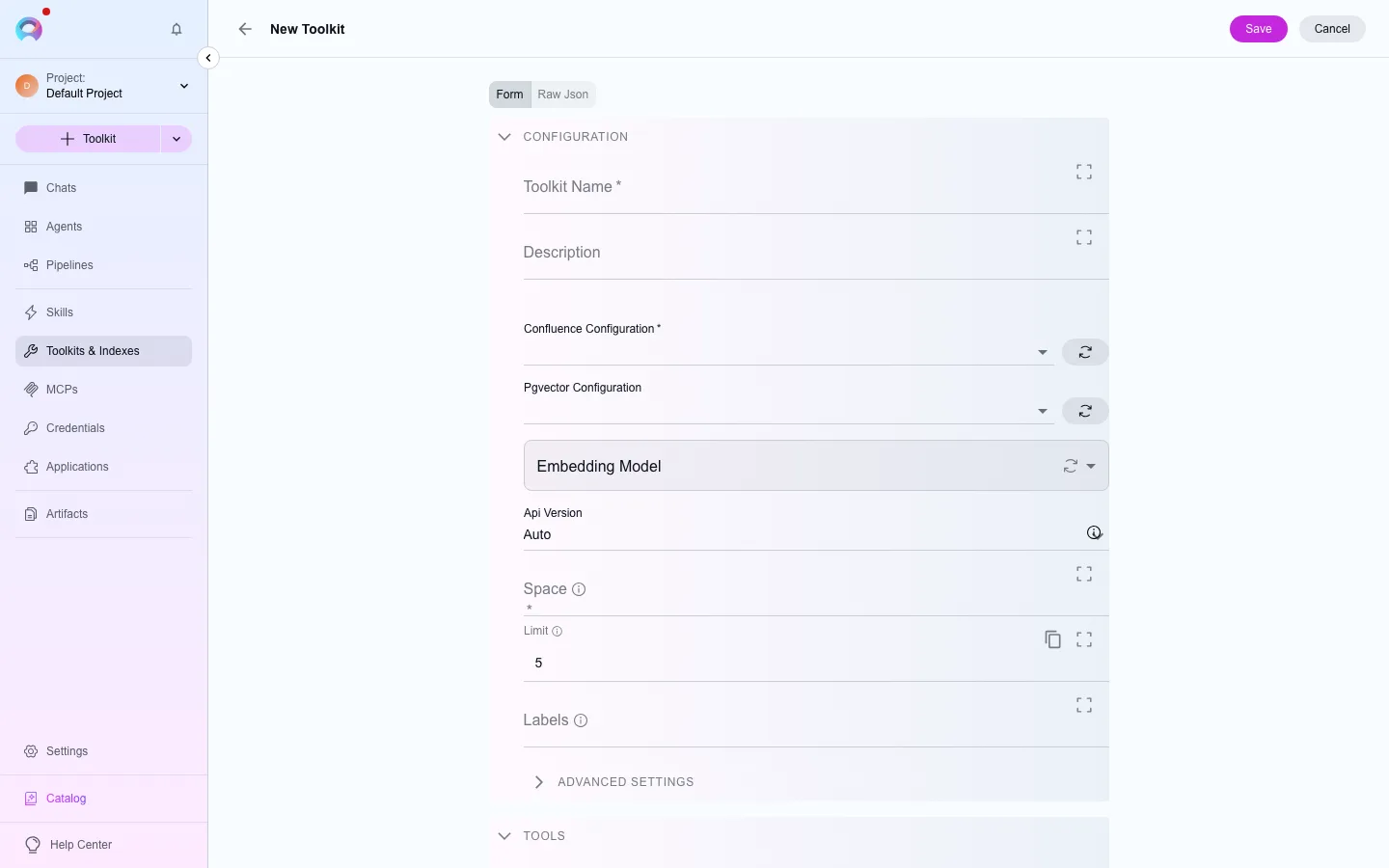
In the left navigation, open Toolkits, then select New. Filter the type picker by the media category, or search for “ImageGen”.
Pick the model
Choose an image-generation model from the project’s configured models.
Pick a bucket
Choose an existing artifact bucket, or create one from the form. Every image the toolkit generates or edits is saved there under the configured filename prefix.
Save
Name the toolkit and select Create. It’s now available to attach to agents, pipelines and conversations in this project.
Available tools
Section titled “Available tools”Available tools (2)
The category of a tool decides when a run needs human approval to call it. See Runtime safety.
| Tool | Category |
|---|---|
| Generate image | write |
| Edit image | write |