

Google Places
Look up places, addresses and reviews through the Google Places API. It’s listed under the other category in the toolkit type picker.
Prerequisites
Section titled “Prerequisites”- An account at Google Places with permission to issue an API token or credential, saved in Elitea as a
google_placescredential (/credentials/create-credential/<type>).
Connect the toolkit
Section titled “Connect the toolkit”Open the toolkit type picker
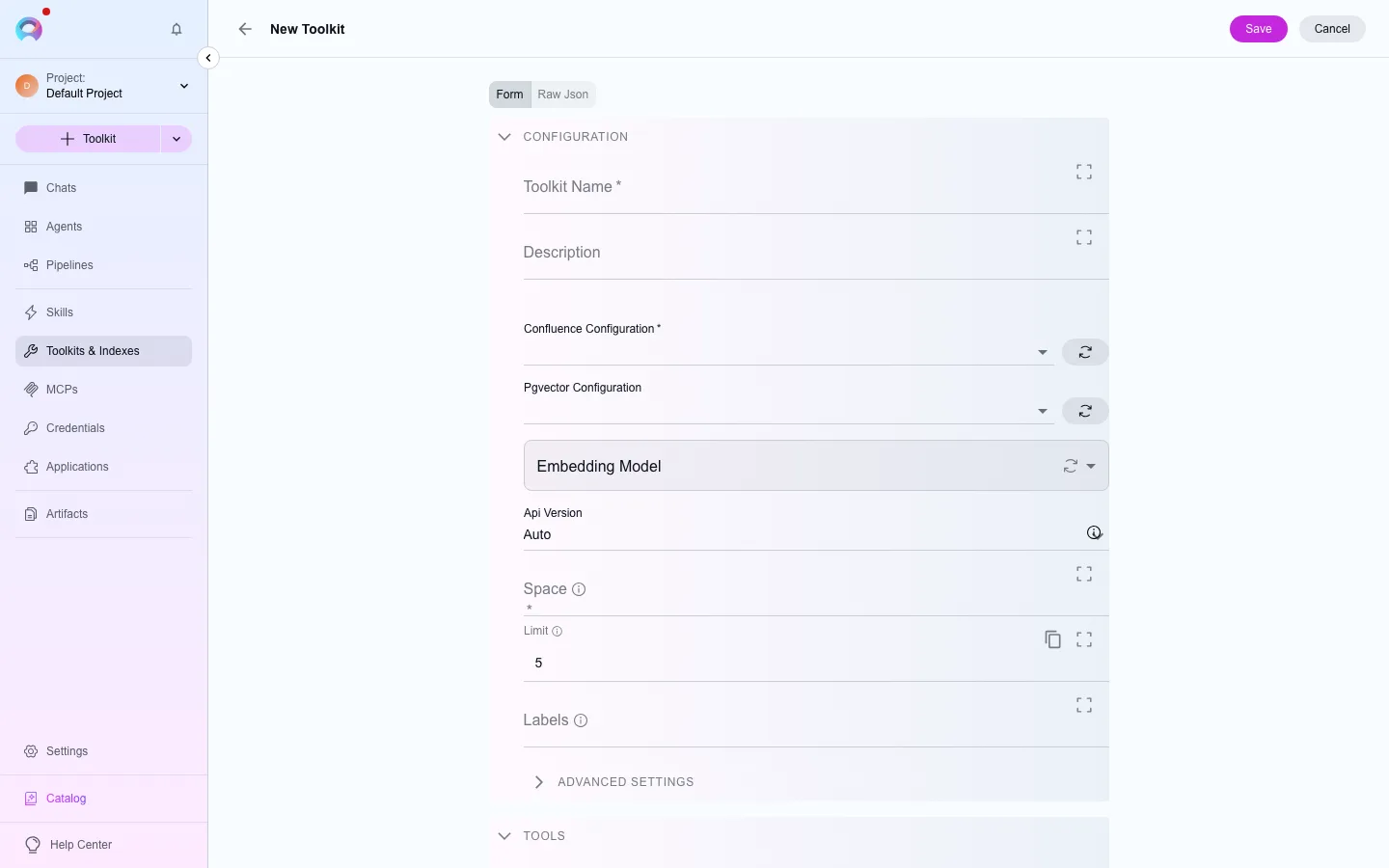
In the left navigation, open Toolkits, then select New. Filter the type picker by the other category, or search for “Google Places”.
Pick or create a credential
Under the credential field, choose an existing google_places credential, or select Create credential to add one without leaving the form.
Save
Name the toolkit and select Create. It’s now available to attach to agents, pipelines and conversations in this project.
Available tools
Section titled “Available tools”Available tools (2)
The category of a tool decides when a run needs human approval to call it. See Runtime safety.
| Tool | Category |
|---|---|
| Find near | read |
| Places | read |