

OpenAPI
Turn any OpenAPI/Swagger specification into callable tools, one per operation, without writing a dedicated integration. It’s listed under the integrations category in the toolkit type picker.
Prerequisites
Section titled “Prerequisites”- The base URL and OpenAPI/Swagger specification of the API you want to expose, plus whatever auth that API requires (API key, bearer token or basic auth), saved in Elitea as an
openapicredential (/credentials/create-credential/openapi).
Connect the toolkit
Section titled “Connect the toolkit”Open the toolkit type picker
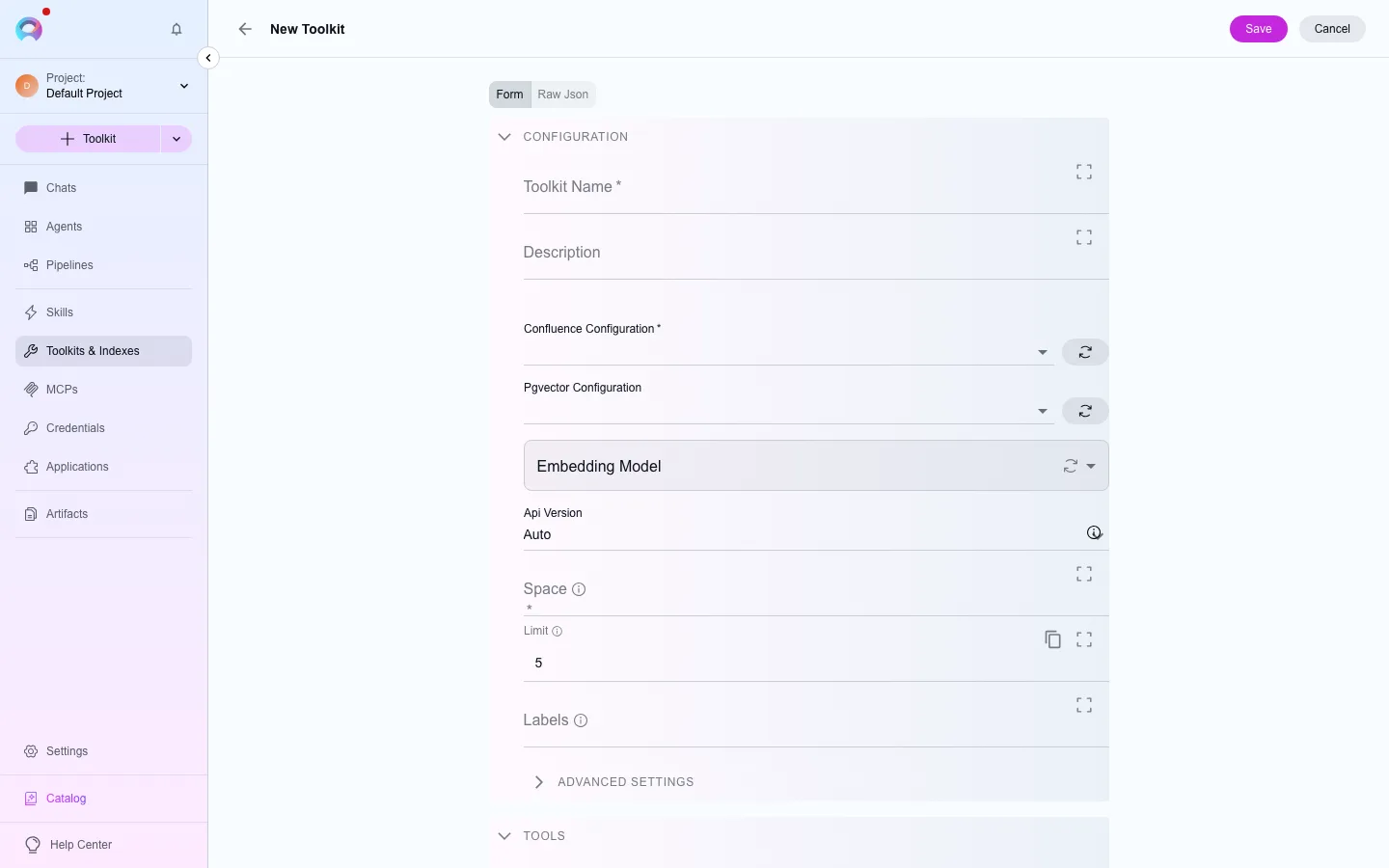
In the left navigation, open Toolkits, then select New. Filter the type picker by the integrations category, or search for “OpenAPI”.
Pick or create a credential
Under the credential field, choose an existing openapi credential, or select Create credential to add one without leaving the form.
Save
Name the toolkit and select Create. It’s now available to attach to agents, pipelines and conversations in this project.
Available tools
Section titled “Available tools”OpenAPI has no fixed tool list in the catalogue snapshot — its tools are generated dynamically at connect time, not enumerable ahead of time.