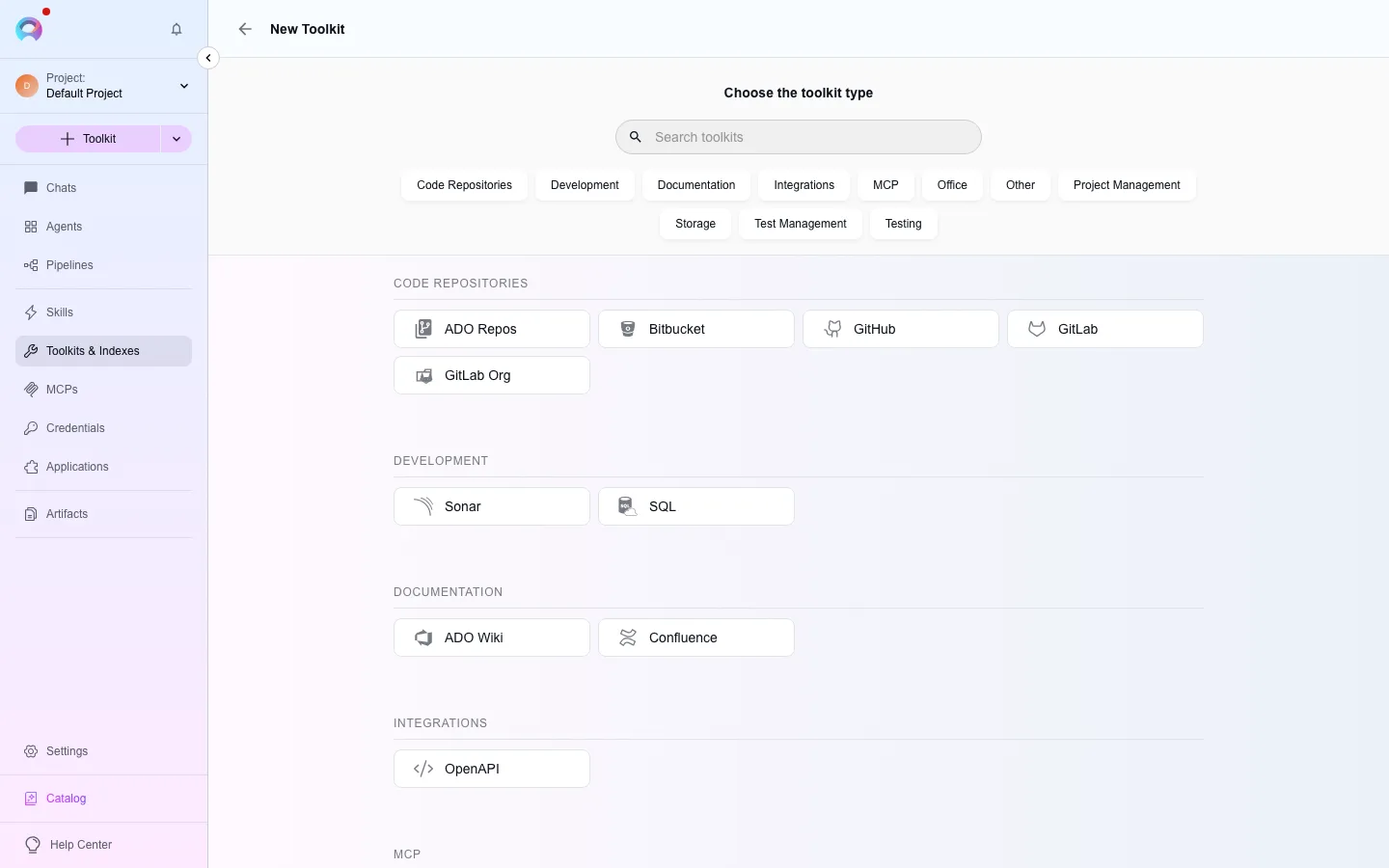
Other toolkit types
Beyond the toolkits with their own page, the type picker offers 15 more types. Most configure a single whitelisted API call rather than a rich tool set, or cover a Zephyr variant that isn’t Zephyr Scale or Zephyr Enterprise. Each row below states whether the agent worker runs it — see Toolkits for what a greyed-out tile means.
Cloud and infrastructure
Section titled “Cloud and infrastructure”Each of these wraps a single provider API in one or two generic call tools; none needs a saved credential beyond what the provider’s own client library picks up from the worker’s environment, except where noted.
| Type | Label | What it does | Auth | Worker |
|---|---|---|---|---|
aws | Cloud AWS | Runs one whitelisted AWS API call (execute_aws). | none | No |
azure | Cloud Azure | Runs one whitelisted Azure API call, plus a health check. | none | Yes |
gcp | Cloud GCP | Runs one whitelisted Google Cloud API request. | none | Yes |
k8s | Cloud Kubernetes | Runs one whitelisted kubectl-style command, plus a health check. | none | Yes |
keycloak | Keycloak | Runs one whitelisted Keycloak admin API request. | none | Yes |
localgit | Local GIT | Reads, diffs and commits files in a Git checkout the worker can reach on disk. | none | No |
Data and search
Section titled “Data and search”| Type | Label | What it does | Auth | Worker |
|---|---|---|---|---|
azure_search | Azure Search | Queries and fetches documents from an Azure AI Search index. | saved credential: azure_search | Yes |
bigquery | Cloud GCP (BigQuery) | Runs BigQuery queries and vector similarity search over BigQuery-backed embeddings. | saved credential: bigquery; inline: api_key | Yes |
delta_lake | AWS Delta Lake | Reads a Delta Lake table’s schema and rows, including vector search. | saved credential: delta_lake; inline: AWS access key/secret/session token/region | No |
elastic | Elasticsearch | Runs a search query against an Elasticsearch index. | none | Yes |
Communication and testing
Section titled “Communication and testing”| Type | Label | What it does | Auth | Worker |
|---|---|---|---|---|
yagmail | Yet Another Gmail | Sends an email through a Gmail account. | none | Yes |
carrier | Carrier | Triggers and reads Carrier backend/UI test runs and reports. | saved credential: carrier | Yes |
zephyr | Zephyr | Adds and reads Zephyr test case steps — the base Zephyr integration, distinct from Scale/Enterprise/Squad below. | none | Yes |
zephyr_squad | Zephyr Squad | Test steps, executions, cycles and BDD content for Zephyr Squad. | none | Yes |
zephyr_essential | Zephyr Essential | The largest Zephyr integration: test cases, cycles, executions, folders, issue links and BDD content, plus indexing (index_data). | saved credential: zephyr_essential | Yes |
Connect one of these toolkits
Section titled “Connect one of these toolkits”Open the toolkit type picker
In the left navigation, open Toolkits, then select New. Filter the tile grid by category (cloud, testing, and so on), or search by name.
Fill in the credential, if any
Types with a saved-credential column above need one created first (or inline via Create credential in the form); the rest only take a project/host/namespace-style setting.
Save
Name the toolkit and select Create.