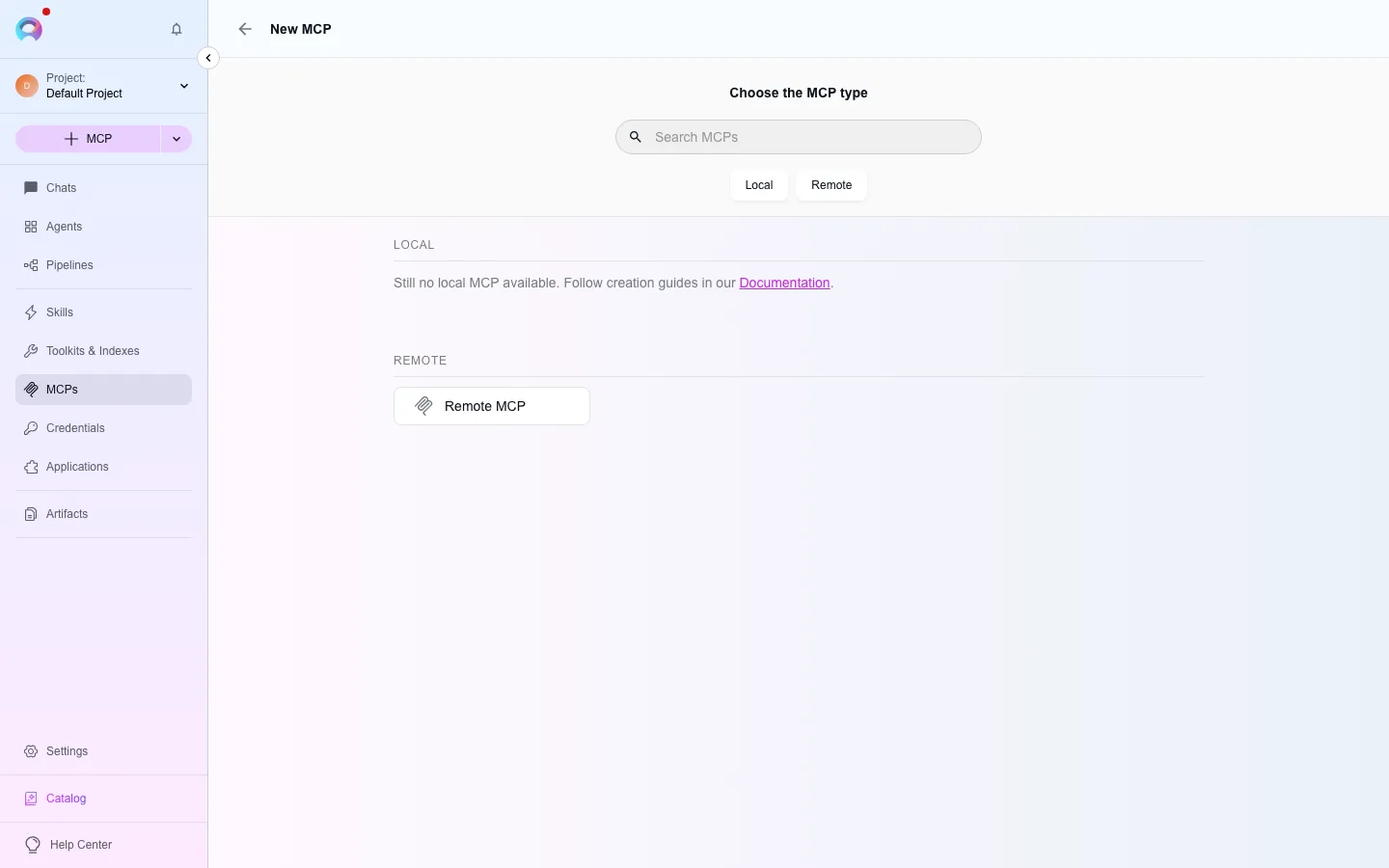
Remote MCP
Remote MCP is the other direction from the Elitea MCP server: instead of exposing Elitea’s tools to an external client, a Remote MCP toolkit lets an Elitea agent or pipeline call tools hosted on someone else’s MCP server. It’s listed as Remote MCP in the toolkit type picker; there is no local or stdio MCP client — only this HTTP connection.
Prerequisites
Section titled “Prerequisites”- The remote server’s URL.
- If the server requires OAuth: either nothing further (if it supports Dynamic Client Registration) or a pre-registered OAuth client ID and secret from that server’s own admin console.
Connect a remote MCP server
Section titled “Connect a remote MCP server”Open the toolkit type picker
In the left navigation, open Toolkits, then select New, and choose Remote MCP.
Enter the server URL
Enter the remote server’s streamable HTTP endpoint (usually ending in
/mcp) and save. A same-origin redirect, such as/mcpto/mcp/, is followed; a redirect to another host is not.Authorize, if required
If the server requires OAuth, Elitea opens an authorization dialog — automatically, either now or the first time an agent tries to call one of its tools. Servers that support Dynamic Client Registration need nothing from you beyond clicking Authorize; a server that doesn’t asks for a Client ID and Client Secret first. The flow uses PKCE or OIDC depending on what the server advertises, and you can choose to remember the credentials for the session.
Sync tools
Once authorized, Elitea calls the remote server’s
tools/listand shows the tools it offers. Attach the toolkit to an agent or pipeline the same way as any other toolkit.