Features and configuration
Features and Configuration are two admin pages that share one mechanism: a list of sections, each either editable here or pointing you to where it actually lives. A section that this deployment cannot serve says so, with a reason, instead of rendering a form that saves into nothing.
Features
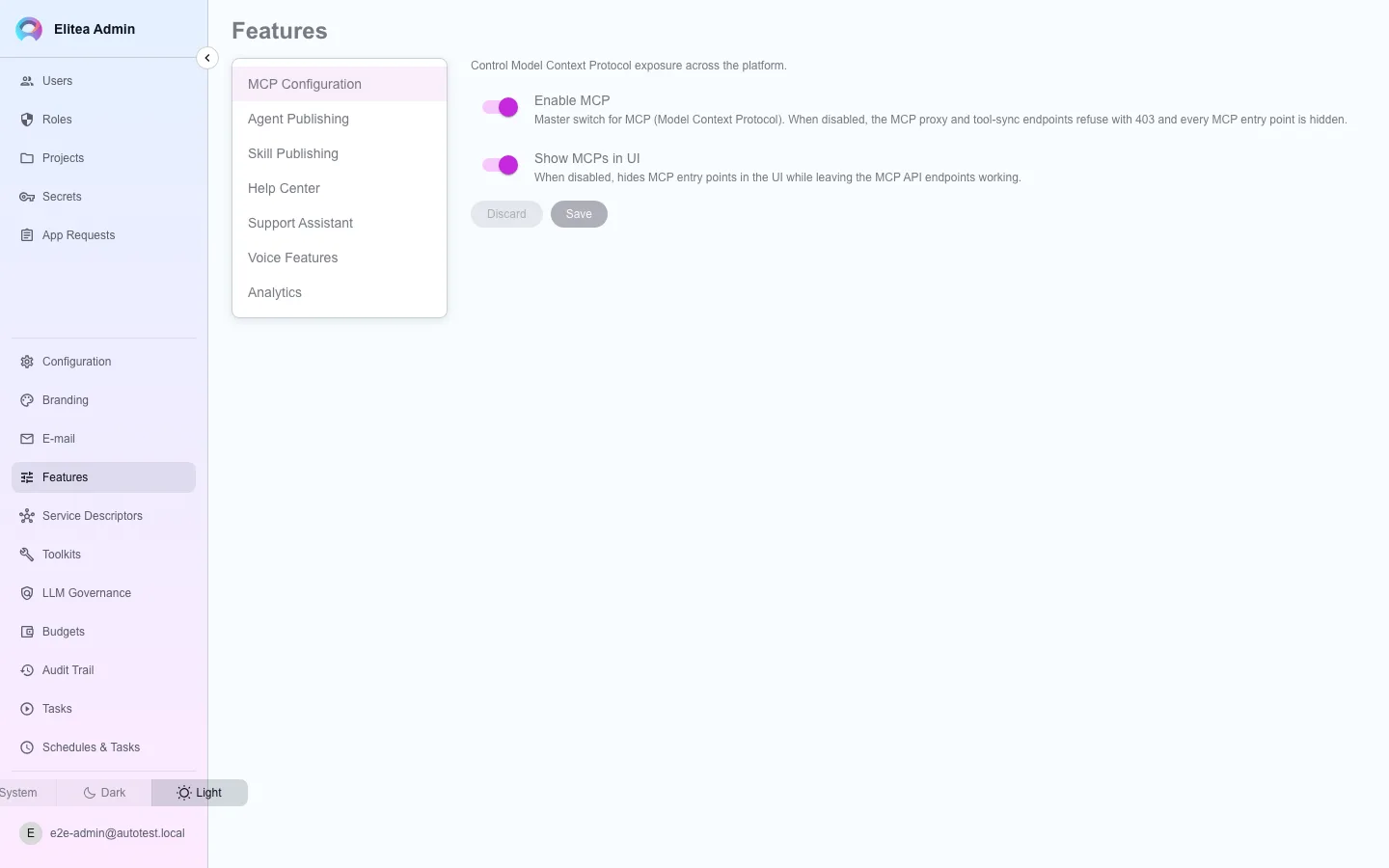
Section titled “Features”MCP Configuration
Agent Publishing
Skill Publishing
Analytics
Help Center
Support Assistant
Voice Features
Select a section
From the list on the left.
Edit and save
Only changed fields are sent; Discard reverts unsaved edits.
Configuration
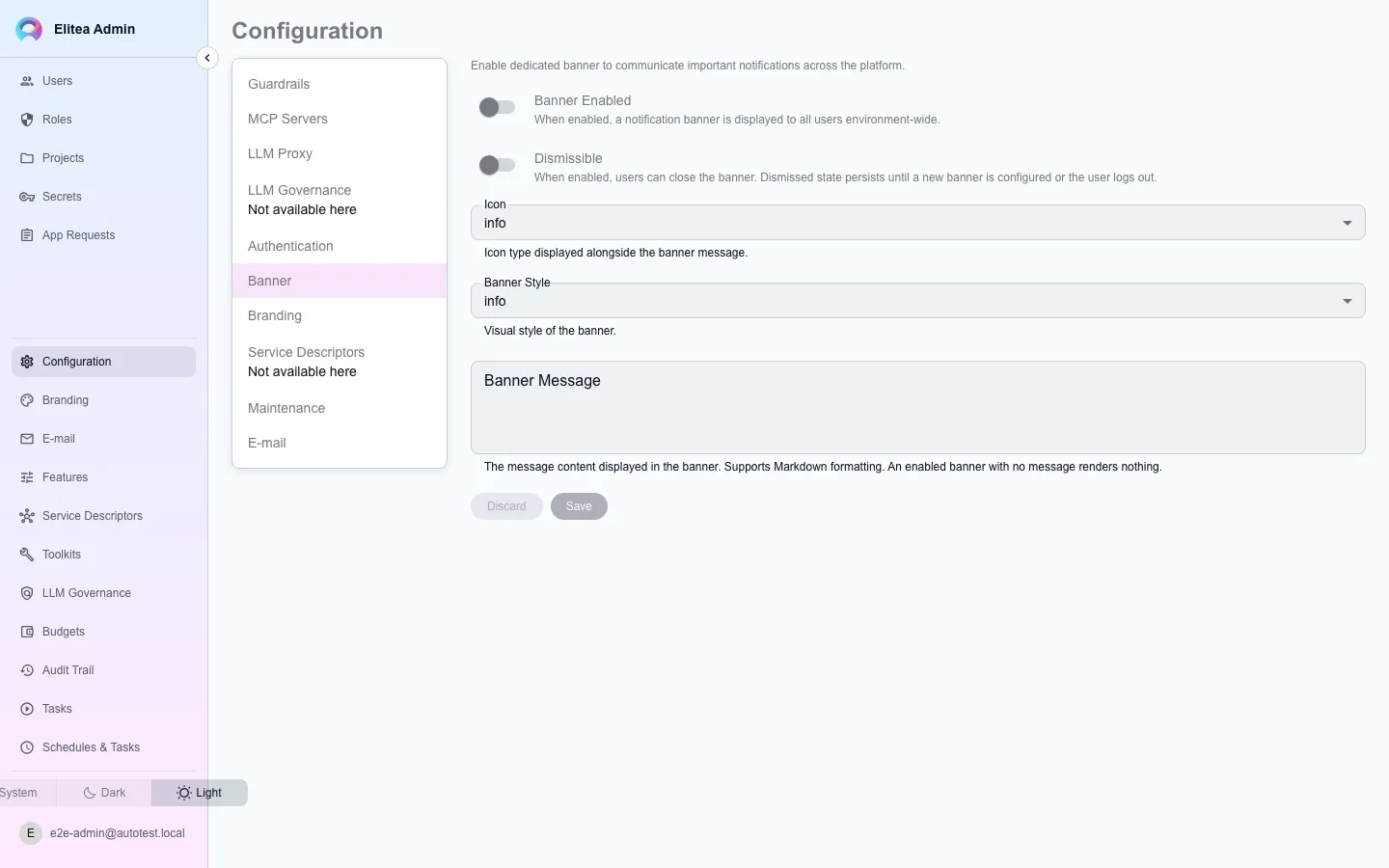
Section titled “Configuration”Configuration holds the sections Features does not: some editable directly here, some pointing to a dedicated page.
Guardrails (editable here)
Blocked toolkit types (a blocked type cannot be listed or created, and is stripped from every agent before it runs — existing toolkits of that type stay visible so an administrator can review and delete them, but stop working); blocked individual tools within an otherwise-allowed toolkit; tools that require the user to authorize each call (“sensitive action” tools, matched per toolkit or with * for every toolkit); the company name and message template shown in that authorization dialog.
These settings travel with every run, governed or not, and replace the worker’s own --toolkit-security-config file for that run, even when they are empty. The file applies only to a run that carries no guardrails, so set sensitive tools here, not in the worker’s file.
Banner (editable here)
A dismissible banner shown across the app, with its own icon, style, and message.
Maintenance (editable here)
Turns on maintenance mode: every caller without administration access gets a 503 and the splash screen, with its own title, message, and optional HTML. The admin console and authentication routes stay reachable so the window is reversible from inside itself.
E-mail (editable here)
The outbound mail relay: SMTP host, port, TLS mode, credentials, from/reply-to addresses, and the public base URL used in links the platform sends. Environment variables (SMTP_HOST and its siblings) provide a second layer underneath these rows; a row set here wins over the environment field by field.
Authentication, LLM Proxy, MCP Servers, Branding (dedicated pages)
These sections carry credentials or need a row-editor shape a flat form cannot express, so each is a page of its own: see Authentication, LLM proxy, and Branding. MCP Servers configures the pre-built MCP server catalogue; see the MCP integration guides for what that catalogue offers.
LLM Governance (dedicated page)
Stays unavailable on this page specifically, because a governance corpus is a list of scoped rules rather than one value document. See Budgets and LLM governance.