Create a personal access token
A personal access token authenticates you (or a script, or an IDE plugin) to Elitea’s API without a browser session.
Open Personal tokens
Go to Settings → Personal tokens (
/settings/tokens). Use the project switcher at the top if you need a token scoped to a different project.Create a token
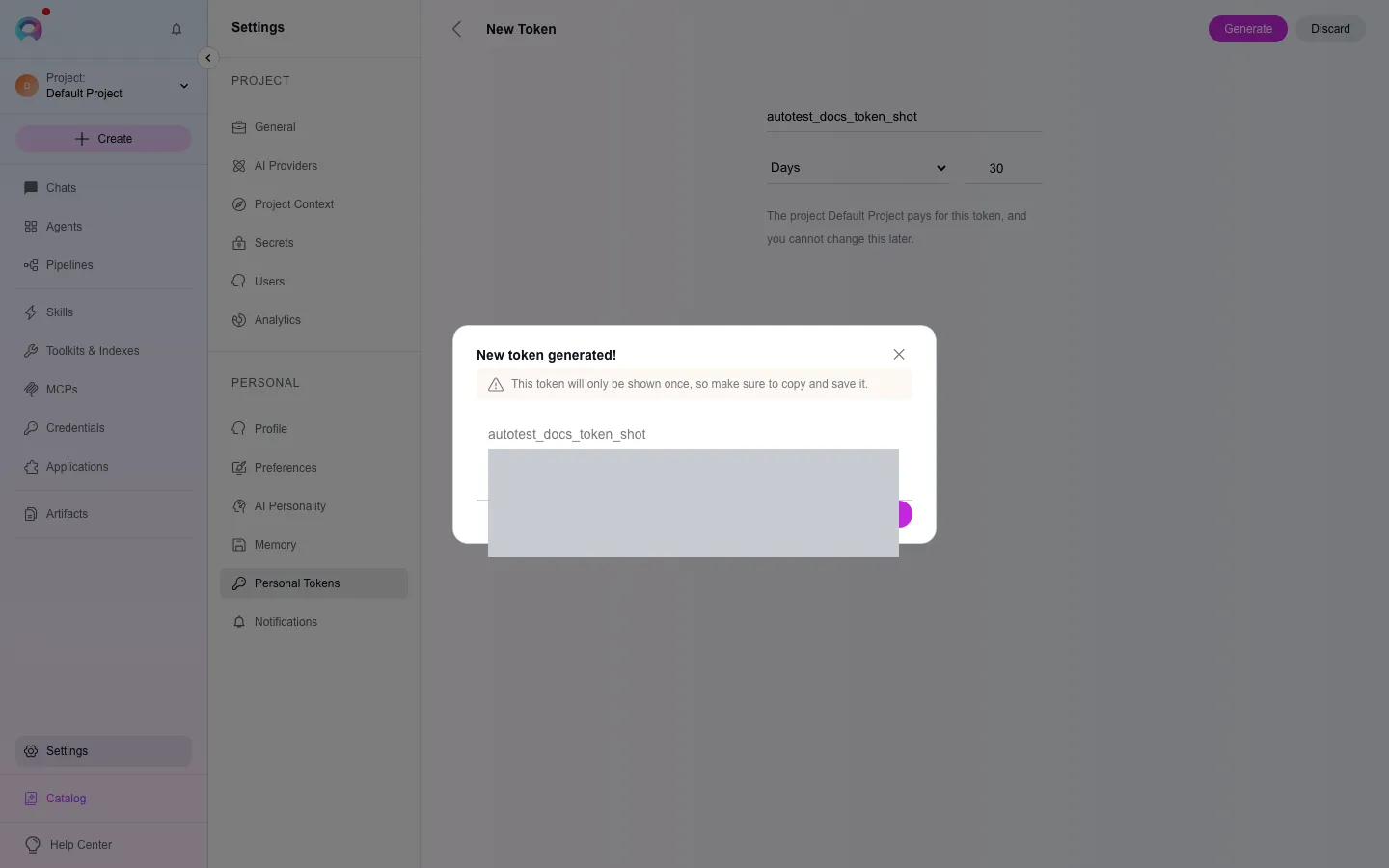
Click the + icon, give the token a descriptive name, and set an expiration date.
Generate and copy it
Click Generate. Copy the token immediately.
Use the token
Section titled “Use the token”Send it as a bearer token against Elitea’s API (see API usage). From the token list, you can also pick a model and download a ready-made settings file (VS Code JSON or JetBrains XML) pre-filled with your token, the model and your project id.
Good practice
Section titled “Good practice”- Keep tokens confidential — never commit one to version control.
- Name tokens by what uses them, so you know what breaks if you revoke one.
- Set an expiration date and rotate tokens regularly.
- Delete tokens you no longer use.
- If you work across multiple projects, create a separate token per project.